
Last updated: 2026-07-06
AI agents already handle real work for real clients — not hypothetical demos, but ten agents I’ve actually built and deployed: drafting emails, generating proposals, routing support tickets, and cleaning up messy data overnight. Here’s what they actually do, what they can’t do yet, and where to start if you want to build your own.
Quick Verdict
- Agents handle the 80% of work that’s predictable and repetitive — email drafting, scheduling, proposals, follow-ups.
- They can’t yet replace relationship judgment, handle truly novel situations, or read a room.
- Start with the meeting follow-up drafter — it’s the easiest to build and you’ll use it after your very next meeting.
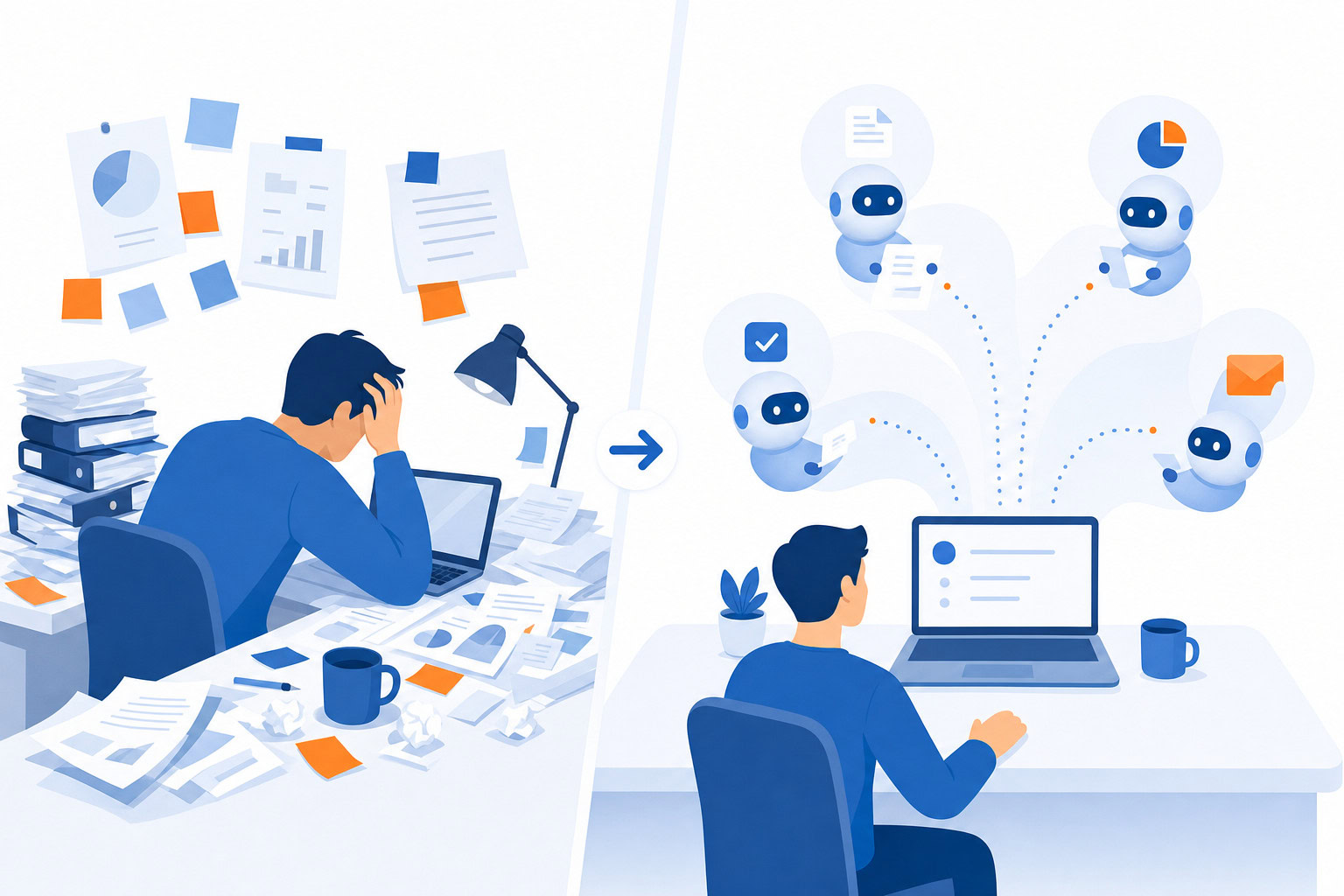
What You’ll Build
| Part of the setup | What to do | Why it matters |
|---|---|---|
| Digital Chief of Staff + Scheduler | Meeting prep, email drafting, and scheduling handled automatically | Reclaims 10-20 hours per week from email and calendar admin |
| Proposal + Follow-Up Generators | Proposals and follow-ups drafted straight from the call transcript | Proposals go out in minutes instead of days, while the conversation is still fresh |
| Sales, Support, and Content Agents | Lead intelligence, ticket routing, and podcast content generated automatically | Removes full-time manual work from sales, support, and content teams |
How I Evaluated This
Every agent in this list is one I’ve actually built and deployed for myself or a client — not a hypothetical use case. I included what each one does, the real story behind why it got built, and what it actually saved in hours or dollars.
1. The Digital Chief of Staff
What it does: Pre-drafts every email, sends daily briefings with meeting context, and manages follow-ups automatically.
The real story: I built this for a client whose business had expanded dramatically. He went from a focused niche to a massive increase in deal flow. Back-to-back calls from 9am to 4pm left him mentally exhausted. Follow-up emails were delayed. Deals were losing momentum. Critical tasks fell through cracks.
The Digital Chief of Staff handles meeting prep, email drafting, follow-up generation, and task management. When he logs into his inbox now, every email is pre-drafted. He just reviews and sends.
Result: 10-20 hours per week reclaimed. Faster follow-ups that close more deals. His words: “I can finally focus on being present in meetings.”
Built with: Lindy + Claude
2. The Virtual Scheduler
What it does: Handles meeting scheduling via email. CC the agent, it checks your calendar, proposes times, books the meeting.
The real story: I built one called “Linda” for myself. When someone wants to meet, I CC Linda on the email. She responds within a few minutes with available times. If they accept, it goes on my calendar. If they reschedule, she restarts.
The trick: I built in a three-minute delay. People were getting suspicious when Linda replied in 60 seconds. Now it feels natural. Nobody has figured out she’s not real.
One client, Hudson, had a specific constraint: calls only between 1-5pm, max three per day. I baked those parameters into the agent. A small config change that made the whole system work better.
Result: About an hour a day saved on scheduling back-and-forth.
Built with: Lindy
3. The Proposal Generator
What it does: Listens to a discovery call, pulls details from the transcript, and generates a customized proposal.
The real story: I worked with CPAs who were sending the same proposal to every client. Just changing the name and start date. We automated the whole process. Now when they finish a call, the agent pulls all the details, populates the proposal, and drafts the follow-up email. What used to take hours happens in minutes. They send the proposal before the prospect has time to forget the conversation.
For another client in asbestos remediation, the president was spending 15-20 hours a week writing proposals. We built an AI proposal automation system. Pricing: $10,000-$15,000 for the build plus $200-$300/month ongoing.
Result: Proposals sent within minutes of calls instead of days. Higher close rates from faster follow-up.
Built with: Lindy + Claude
4. The Meeting Follow-Up Drafter
What it does: After every meeting, reads the transcript and drafts a personalized follow-up email with key points, action items, and next steps.
The real story: This was one of the first agents I built. After every call, a follow-up appears in my drafts within two minutes. If I mentioned I’d send resources, they’re included. Prospects are blown away by how fast the follow-up arrives. They have no idea it’s automated.
Over time, it got smarter about which resources to include based on what I typically send to different types of clients.
Result: 30 minutes per day saved. More importantly, I actually send follow-ups consistently now instead of procrastinating.
Built with: Lindy
5. The Sales Lead Generator
What it does: Mines prospect data, sends personalized outreach, and pre-loads sales intelligence before calls.
The real story: A medical office building brokerage wanted to reach building owners who might want to sell. We automated the lead generation by mining owner data into Google Sheets, then used AI to message prospects on LinkedIn automatically.
But the real win was what happened before sales calls. The system had already pulled comparable sales data for that specific property. The salesperson just needed two minutes to review the comps, then could confidently discuss fair market value. No research, no scrambling.
Result: Salespeople walked into every call with intelligence that used to take 30 minutes to gather manually.
Built with: Custom automation + Claude + Google Sheets
6. The Support Ticket Router
What it does: Reads incoming support tickets, assesses complexity, and routes them to the right technician.
The real story: A managed service provider had one person whose full-time job was routing support tickets. Sounds simple until you account for complexity levels, who’s available, what time it is, and what each technician is qualified to handle.
We automated the triage. When a ticket comes in, the agent pulls relevant context and routes it based on rules and availability. That full-time routing job? Gone.
Result: Instant ticket routing that used to take a full-time person. Faster response times. Fewer misrouted tickets.
Built with: Custom automation
7. The Podcast Content Machine
What it does: Generates show notes, social media posts, and handles content distribution from podcast recordings.
The real story: I built this for our own podcast, The Productivity Show. The agent integrates with our transcript database and Jira board. When I move a podcast episode forward on the Kanban board, the agent generates show notes pulling from my actual story database, not fabricated examples. It also drafts social posts and handles distribution.
The difference between this and generic AI content: my agent pulls real stories from real conversations because it has access to my story bank. The output is authentic because the source material is authentic.
Result: 10-15 hours per week saved on content production. Content that sounds like me because it draws from things I actually said.
Built with: Lindy + Supabase + Jira
8. The Self-Improving Database Agent
What it does: Manages an Airtable CRM and autonomously improves its own systems.
The real story: I set up Claude Bot on a Mac Mini over the weekend. Unlike Lindy, which requires you to preprogram workflows, Claude Bot lets you chat naturally on Slack and it just does stuff in your Airtable.
I asked it to build a “Dream 1,000” agent… show me five people I should reach out to every day. It didn’t just execute. It started improving the system on its own. It flagged that my last interaction dates were pulling from another table, cleaned up the database, and built its own Airtable skill without me coding anything.
Result: An agent that gets better at its job without me telling it to. Closest thing to a truly autonomous assistant I’ve deployed.
Built with: Claude Bot (OpenClaw) + Airtable + Slack
9. The Automated Code Tester
What it does: Tests applications, finds bugs, and generates reports… then fixes the bugs.
The real story: I introduced a student named Jacob to the Claude Chrome extension for automated testing. Instead of manually clicking through his app, he tells Claude to test all functionality, find bugs, and generate a report. He sets a “definition of done” so the agent knows when to stop.
Jacob can literally walk away and come back to a completed bug report with fixes already applied.
Result: Testing that used to take hours happens while you grab coffee.
Built with: Claude Code
10. The Overnight Data Cleanup Crew
What it does: Three agents pull data from multiple sources overnight and generate a comprehensive analysis by morning.
The real story: A client was drowning in messy historical data. Old analytics, outdated content, inconsistent records. They were hesitant to implement AI because they didn’t want to automate bad data.
So we built a cleanup system instead. Three agents pull from Google Analytics, Search Console, and their email platform overnight. By morning, there’s a comprehensive report identifying top 10 performing topics, competitor gaps, and underperforming content. Clean data unlocked everything that came next.
Result: A week’s worth of manual data analysis done overnight. Clean foundation for every AI initiative that followed.
Built with: Custom agents + Google APIs
What AI Agents Can’t Do (Yet)
Being honest about the limits:
- They can’t replace relationship judgment. Knowing when to push and when to back off with a client requires human intuition.
- They can’t handle truly novel situations. Agents work best on patterns. First-of-their-kind problems still need you.
- They can’t read a room. Social dynamics, emotional undercurrents, political context… still human territory.
- They need good instructions. Vague goals produce vague results. The better you define what success looks like, the better the agent performs.
The pattern: agents handle the 80% that’s predictable and repetitive. You handle the 20% that requires judgment, creativity, and relationships. That division is where the leverage lives.
Where to Start
If these examples made you want to build your own agent, start with the email follow-up drafter. It’s the easiest to build, gives immediate results, and you’ll use it after your very next meeting.
For a step-by-step walkthrough, see my beginner’s guide to building your first AI agent.
For a comparison of the platforms you can build on, check out the best AI agent platforms.
And if you want hands-on help building agents specific to your business, that’s exactly what I teach in my AI workshops.
FAQ
How long does it take to build an agent like these?
The simple ones — meeting follow-up drafters, virtual schedulers — take under an hour with a no-code tool like Lindy. The more involved builds, like the proposal generator or overnight data cleanup crew, took days of iteration to get right.
Do I need paid tools to build agents like these?
Most of these run on Lindy, which requires a paid plan (no ongoing free tier). A few use Claude Code, custom automation, or open-source tools like OpenClaw instead. Start with the minimum setup that reaches the result, then upgrade only when a paid feature removes a real bottleneck.
What’s the biggest mistake people make when building their first agent?
Trying to build something too complex first. A 15-step workflow that touches six apps is a bad starting point. Every agent on this list started as one specific, repeatable task.
Which of these agents should I build first?
The meeting follow-up drafter. It’s the easiest to build, gives immediate results, and you’ll use it after your very next meeting. See my beginner’s guide for the exact steps.
Next Step
Recommended for you
Want the full system? 25X is the flagship productivity system we teach.
Explore 25X →