
I have a digital chief of staff now. Roughly 14 AI agents. They handle email, meetings, calendar support, travel, and prep. People hear that number and assume I sat down one weekend and designed the whole thing.
I didn’t.
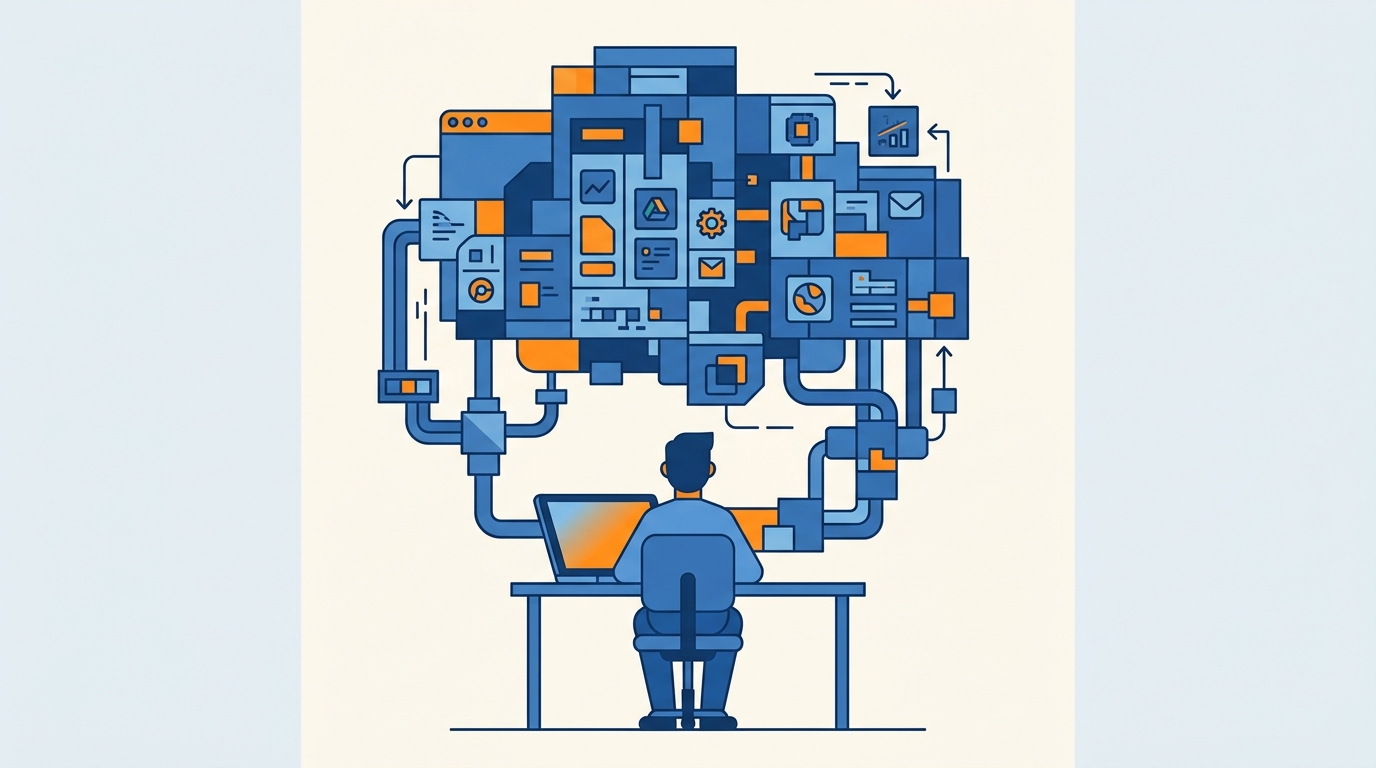
It started with one simple agent that pre-drafted emails. Then another that created a morning brief. The rest showed up over about a year of consistent iteration, one bottleneck at a time. If I’d tried to build 14 agents on day one, I would have built a mess.
That lesson applies to your whole productivity stack, AI or not.
Tools don’t fix a fuzzy system
A tool only helps when it supports a clear system. It should serve your time, energy, and attention. If it creates more overhead than value, you’re maintaining software instead of doing the work.
I used to treat productivity as a race to squeeze more into every minute. Then I read Oliver Burkeman’s 4,000 Weeks, and the whole frame shifted. The point of a stack is to help you do the work that actually matters. Tools should help you say no to the noise, not process the noise faster.
Does this sound familiar? A new app launches, it looks slick, you install it, and three weeks later you’re updating fields nobody asked for.
That’s tool-hopping. I’ve done it. Most people who care about this stuff have.
Start simpler than you think you need
There’s a hierarchy of task management needs, and almost nobody wants to hear the first rung.
You have to master simple tools before you graduate to complex ones. If you can’t reliably manage a simple paper to-do list, a project management suite with 50 plugins will make you less productive. The extra structure doesn’t rescue a broken habit. It just gives the broken habit more places to hide.
Start with the simplest tool that solves today’s problem. Only move to complexity when you’ve outgrown the simple version. If the paper list isn’t working, the fancy database usually makes the problem heavier, not lighter.
Same rule for AI. The wrong way to build an AI productivity system is to design 14 agents on day one. Pick one repeatable workflow this week. Automate only that. Prove it works. Add the next layer after the first one is reliable.
That’s how the digital chief of staff actually got built. One agent. Then another. Then the rest.
Score every app against T
When I’m deciding whether something stays in the stack, I use a simple TEA framework. Every app should clearly save time, protect energy, or focus attention.
If a tool can’t do one of those three jobs, it probably doesn’t belong.
Notice I didn’t say “is it popular” or “does everyone in my Slack swear by it.” I ask whether it earns its keep against time, energy, and attention. Your stack has to serve those three. The moment the stack starts demanding more of them than it gives back, the tool is running you.
Here’s how I actually choose, when I’m being honest with myself.
I don’t ask, “What’s the coolest new app?” or even “What’s the best task manager?” I ask what role the tool plays in the workflow. Map your tools to the jobs that actually exist:
Capture. Getting thoughts out of your head before they vanish.
Task management. Deciding what to do, and in what order.
Calendar. Protecting time on the clock.
Communication. Messages that need a reply.
Focus. The stuff that keeps you on one thing.
Automation. Repeatable work you shouldn’t still be doing by hand.
Review. Looking at the system so it doesn’t quietly rot.
If you can’t name the role, you don’t need the app. If two apps share the same role, you have overlap, and overlap is where overhead hides.
Capture dies when it takes too many steps
Capture is the role I see people overcomplicate the most.
I used to struggle to save ideas because unlocking my phone, finding an app, and typing was too many steps. I’d hesitate. Then I’d skip it. Then the thought was gone.
So I switched to voice capture. I use a custom agent named Router, activated by saying “Hey Router,” and I speak the idea into existence. The goal is zero friction between thought and capture.
If you often freeze between two apps for saving a note or a task, pick one default inbox first. Sorting can happen later. Capture should be almost frictionless. The moment you’re deciding where something goes, you’ve already added overhead to the most fragile part of the system.
Try this today: find one friction point in how you capture, and fix that one point. Don’t rebuild the whole pipeline.
The 10-minute stack audit
You don’t need a new app for this. You need ten minutes and a little honesty.
Look at the apps on your phone and computer. Find one that feels like overhead, something that takes more effort to maintain than the value it provides. Then either simplify how you use it, or remove it completely.
Reduce friction. Don’t add to it.
While you’re in there, score that tool against time, energy, and attention. Name the role it plays. If you can’t, that’s your candidate.
And if you’ve been tempted to build a giant AI setup this week, don’t. Pick one bottleneck. One agent. One workflow. Let it get reliable before you add anything else.
Ten minutes. One tool. Simplify it or delete it. Then go do the work that actually matters.
Recommended for you
Want the full system? 25X is the flagship productivity system we teach.
Explore 25X →