How many emails did you open today, read, and close without deciding anything?
That move feels small. It isn’t. An email or a file arrives, you leave it to deal with later, and you open an open loop. Tomorrow you read the same message and pay the processing cost again. The pile grows. The work didn’t get harder. You just skipped the decision.
Touch it once
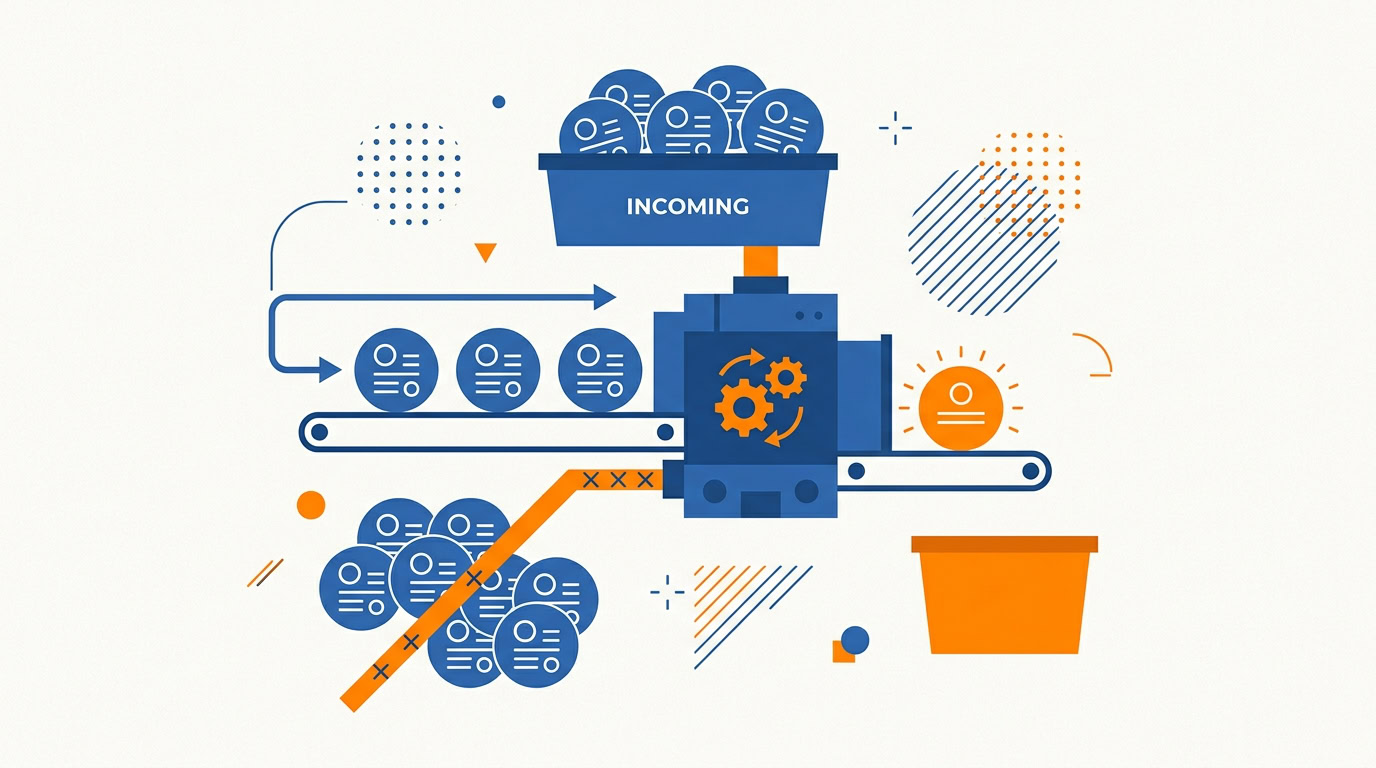
When something arrives, decide immediately. Delete it, archive it, or act on it. If you can’t act now, capture the action item in your task manager and archive the email. The inbox is where things arrive. Leave them there and you’ll reprocess them all week. That pile is mental clutter, and you built it by postponing one small decision.
Start a Weekly Cleanup ritual so the rule survives a busy stretch. Once a week, run the inbox and the loose files. Delete, archive, or capture the next action and clear the item. You want fewer open loops. Fewer open loops means less cognitive load. That’s the whole point of the cleanup.
Keep the weekly pass tactical
The Weekly Review is for clearing, and it gets slow when you also try to settle the big questions in the same sitting. The Monthly Review is the zoom-out. Once a month, look at the last 30 days, name what went well, and set a single intention for the month ahead. One. Focus on sleep is a fine intention. That intention is the theme. With the theme already set, the Weekly Review stays fast. If yours keeps swelling, download the AE Monthly Review Template and put the big questions there.
Recurring work has a cousin of this problem. The blank page. An email response. A report. A project kick-off. Most of that document repeats. Decision fatigue shows up anyway, because you’re designing the format and doing the thinking at the same time.
Go template-first
Build a master template. Structure, headings, the parts that barely change. When the task comes around, fill in the 20% that is unique to this one. You start with less friction, and the output stays consistent.
Then stop retyping the lines that never change. A text expander handles the 80% of repetitive content. The template holds the shape of the email or the kick-off. The expander drops the stock language in. You write the part that is actually new. Check out our guide on setting up Text Expanders and build the snippets for the messages you rewrite most often.
Sharing a file can waste the same kind of attention
You dig through Finder or Explorer for the file you need to send. A shelf app gives you a staging area instead. Dropzone is the Mac version of the idea. Drag the file to a shelf in the menu bar and leave it there until you drop it where it needs to go. Treat it as a clipboard for your file system. Windows has options in the same category. Check the show notes for Mac and Windows shelf app recommendations.
Physical tools can pay off inside digital work. A Stream Deck, or a similar macro pad, runs a multi-step sequence from one button. Open the apps. Set the browser tabs. Start journaling. You get a ready-to-go state without assembling it by hand. That cuts the friction of starting the day and the friction of switching tasks. Explore affordable macro pad alternatives and program the sequence that starts your day.
If you think better when the whole problem is visible, use a whiteboard for brainstorming. Low-tech, and high impact for a visual thinker.
Does your calendar have any room between things?
No time to breathe usually means the meetings are stacked. Implement buffer time as a rule. Put 10 to 15 minutes between every meeting and every task block. That gap is for a bio-break, for your head to settle, and for the follow-up you will otherwise drop. Use the 45-15 rule. A 60-minute meeting gets booked for 45. The remaining 15 minutes are for processing, including writing down action items right after the call, while they are still clear. That’s how you avoid the productivity hangover of back-to-back meetings. Try the 45-15 rule on next week’s calendar.
A buffered plan can still fall apart. Something gets cancelled. Something runs late. The empty gap is where the doom scroll shows up, and the important work sits there untouched.
Plan for that gap while the day is still intact
When you choose your top 3 priorities, ask what your Plan B is if a meeting cancels or runs long. Name the task ahead of time. A real task, already chosen, so a surprise block of free time doesn’t require a new decision. You keep moving the work that mattered, on a day that didn’t cooperate. Add a Plan B task to your daily plan today.
Learning creates the same kind of open loop if you halt everything to write a note. Capture just in time with an AI-native tool. Snip handles podcasts. You speak the insight and keep moving. Readwise handles books. You highlight, and it stores the highlight. Capturing is the easy half. The AI resurfaces those insights later, and you can search your whole library. Passive listening and reading become an active, searchable knowledge base. You stay in flow while you learn. Review our comparison of AI note-taking apps and choose the one that lets you capture without stopping.
Pick one email you’ve opened and closed without a decision. Delete it, archive it, or capture the action in your task manager and archive it. One item. Then you’re done for today.
Recommended for you
Struggling to focus? The Focus Filter shows you what actually matters each day.
See the Focus Filter →