A while back I was running a live demo of my knowledge base. I asked my AI assistant to pull the main struggles discussed at an earlier founders’ breakfast, then use those to draft a follow-up email. The demo produced a draft. Nobody sent it. What stuck with me was the order of operations. The valuable step came after the note was found. The knowledge base was useful because it helped turn that conversation into a next action a human could review.
Does this sound familiar? You save the meeting. You drop a screenshot into whichever app happens to be open. A week later you need one fact and you’re guessing where it lives.
I worked with a client who captured notes that way. Getting information in was easy. Finding it meant guessing which app held it. I didn’t tell them to ban every capture tool. I told them to designate one trusted destination, so convenience at capture time wouldn’t create confusion later. I don’t have a measured outcome from after they changed anything. I just know the pattern.
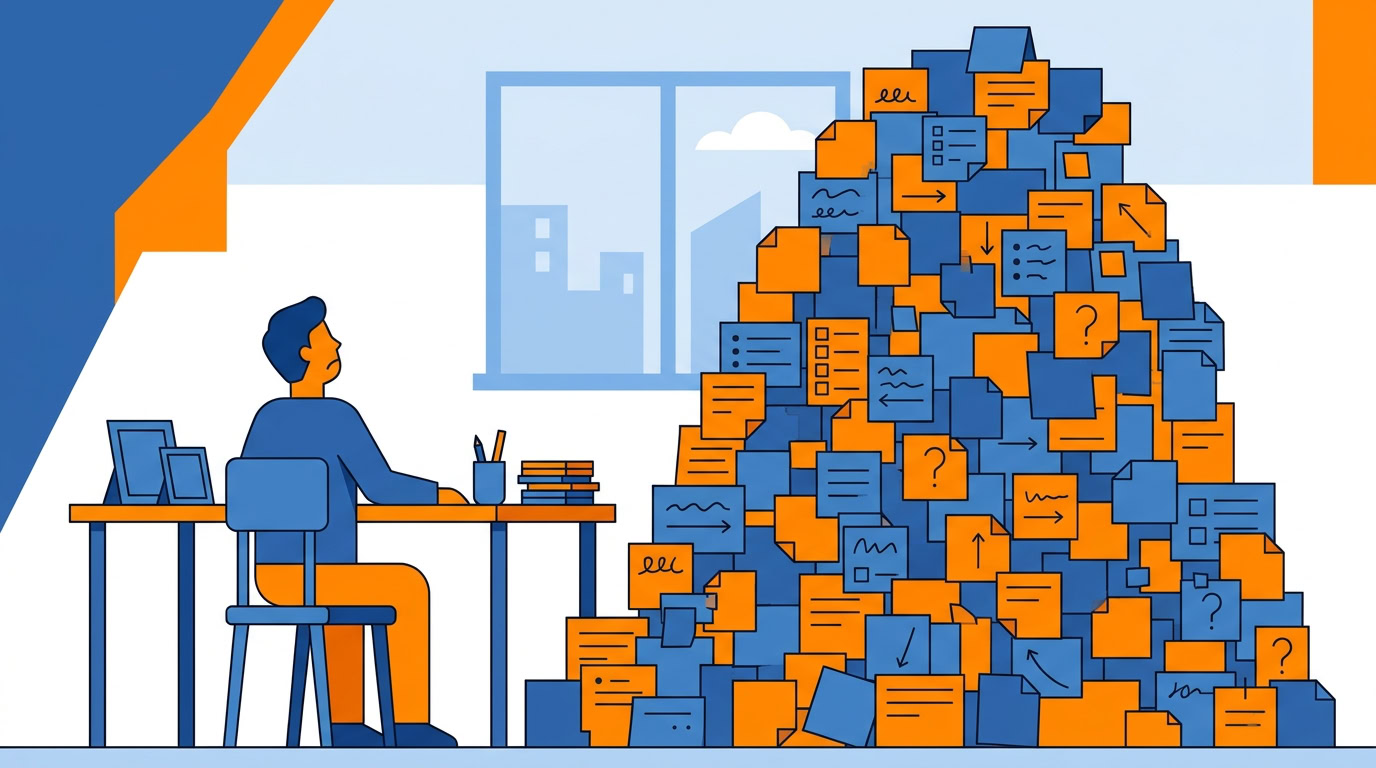
Here’s the thing. Saving a document is a different act from organizing it. I look at digital clutter as deferred decisions. Material piles up because nobody has decided where it belongs. A reliable system separates quick capture from a recurring processing step, so saving stops masquerading as finishing the job.
Many doors, one shelf
I want lots of ways for information to enter, and one shelf where it lives.
Voice notes, emails, screenshots, meeting transcripts. Those are doors. Easy doors reduce friction, which is how notes actually get captured. Multiple competing homes create friction. Then you’re maintaining several half-systems and trusting none of them.
Map your three most common sources and define how each one reaches a central inbox. Some routes will be real integrations. Some will be a manual move you do on purpose. Connecting a source does not necessarily copy its contents or organize them. You still need the route, and you still need something that finishes the filing.
If your notes feel unmanageable, hold off on switching apps. I use a simple model with three jobs: capture, store, and ask. Get information into the system. Keep it organized. Retrieve it by asking a question. Figure out which job is failing, then fix that one.
Run the test on a single meeting. Save the note. Confirm where it belongs. Ask a question that note can answer. Whichever step breaks is your work.
Four folders, and they sit side by side
You do not need an elaborate taxonomy to begin. My minimal knowledge base is a parent folder called Knowledge with four sibling folders:
Inbox. Incoming material lands here first. Capture goes into Inbox. Organization moves it later.
Now. Active projects. The work you’re in.
Library. Future reference. Material you saved because you might need it.
Done. Completed work.
Someone asked about this in a session and the layout turned out to be the part people miss. Now, Library, and Done sit alongside Inbox. They do not live inside it. Inbox is where things wait. The other three are where things go.
This is my preferred structure. I’m not claiming it’s the only valid method. Create the four folders and test them with a small batch of notes you already have.
I keep Done separate from Library because something I have actually worked on can be more useful than something I merely saved. When I ask a question, I prefer retrieval rules that give completed work and recent material extra weight when they’re relevant. That’s a personal preference, not a default AI capability. Folder names alone do not implement ranking, and newer information is not automatically more accurate. When you ask, specify whether to prioritize recent material, completed projects, or broad reference sources.
A weekly loop, not a cleanup marathon
I used to think organization was something you did when the pile got embarrassing. Now I want a weekly maintenance loop.
The review sorts Inbox, checks Now, moves reusable reference material to Library, and files completed work in Done. A separate shelf-rules file records naming conventions and organization preferences, so the process follows your system.
Write the folder definitions and the filing rules first. Test one review on a small sample before you schedule anything. I’ve requested a weekly routine, and you should still verify scheduling, file access, and execution for the specific tool and plan you’re using. A prompt alone does not guarantee unattended automation. Review the proposed moves before you enable automatic filing.
Add that processing step to a weekly review you already run. Skip the attempt at a complete digital cleanup.
One team question is a different build
The four folders are a personal shelf. A shared question can need something else.
I worked with a team that had to search scattered material to answer one basic, recurring question. We connected those sources so an assistant could reach them in one place. The team could then retrieve the information without hunting across sources by hand. That’s my report of what happened, not an independently measured benchmark. And that shared implementation is a different thing from the simpler personal-folder setup.
If your team has one recurring question that currently requires several systems, pilot a shared retrieval workflow around that question. One question. Keep the organization unnamed if you’re writing this up for anyone else. See whether the hunting stops.
Turn a folder into a next action
Easy capture, one trusted home, an AI-assisted pass that organizes, and retrieval that leads to action. That’s the working system I want. A knowledge base that only collects notes becomes a graveyard of saved information. Adding more information does not automatically improve the answers. The goal is to turn what you already know into useful work.
The founders’ breakfast demo is the move worth copying. Retrieve one past meeting’s key points. Draft a follow-up. A person reviews it before anything gets sent.
Pick one neglected folder today and use what’s already in it to answer a real work question. If you can’t, you just found which of the three jobs is broken. Fix that before you save another note.
Recommended for you
Want the full system? 25X is the flagship productivity system we teach.
Explore 25X →