
Last updated: 2026-09-01
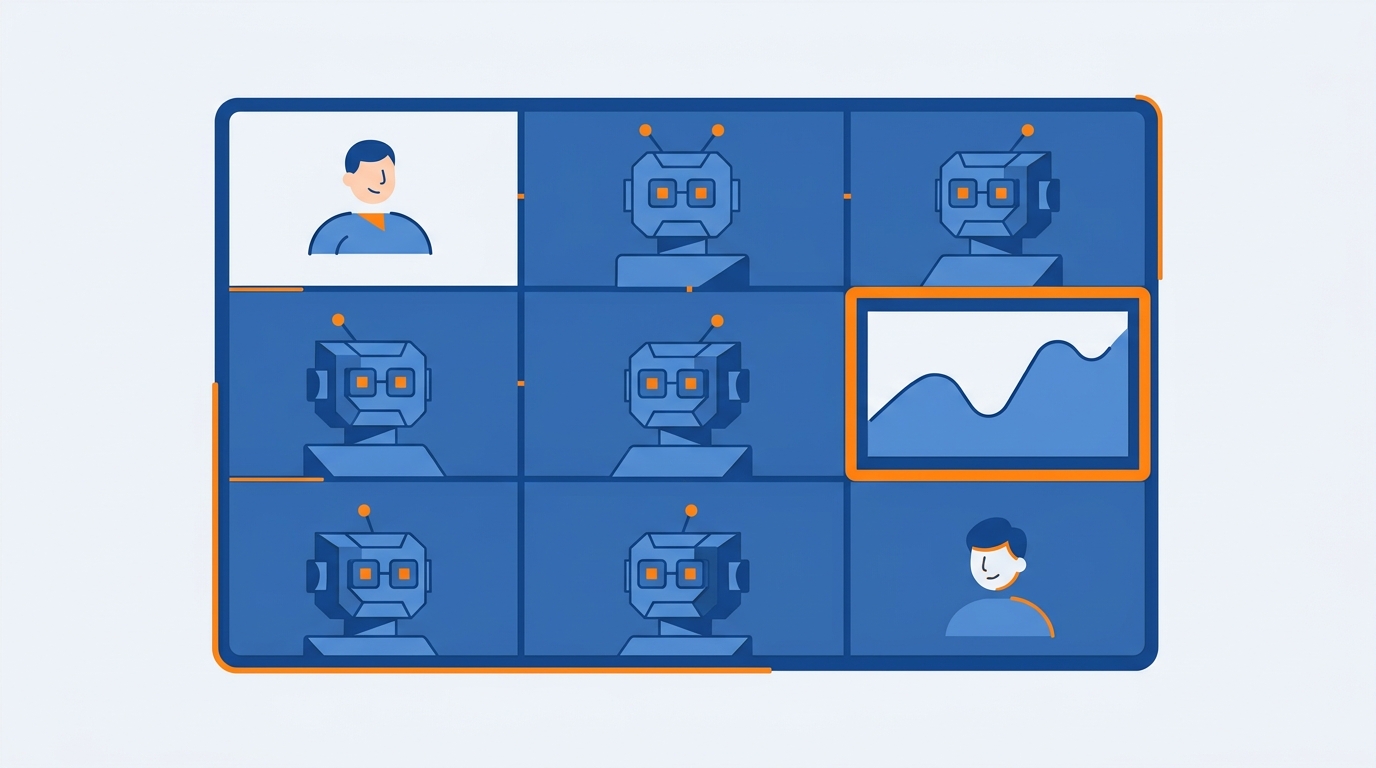
I was testing multiple AI meeting assistants at once. Other people on the call had their own bots joining too. At one point there were more AI notetakers than humans on the call.
Funny. And a little ridiculous. Everyone wanted the meeting captured. Nobody seemed to notice how distracting it was, or how much resistance that many visible bots can create.
That’s where a lot of this is headed. People keep adding another assistant by default. I think you should pick your meeting tools on purpose instead.
The graveyard in your inbox
Brooks described something I recognized immediately. Transcripts and summaries pile up in your inbox. They’re technically searchable. You almost never go back and do anything with them.
He uses meeting recordings mostly to find information later. Searchability is useful. It’s also a reactive, level-one use case.
My inbox fills with summaries I often skim or ignore. Does this sound familiar to you?
Capture without a next step is just a nicer filing cabinet. The whole point of having an assistant in the meeting is to move work forward after the call ends.
Ask first. Every time.
Brooks has a simple etiquette rule for AI meeting assistants: ask first.
A line like this is enough:
“Are you okay if I use an AI notetaker for this call?”
Copy that. Paste it into the invite, or say it out loud at the start.
Brooks doesn’t mind being recorded. He still appreciates being asked. I noticed that people may behave differently when an assistant is present. That’s even more true in sensitive one-on-ones, medical or legal conversations, coaching, or anything confidential.
You can have the best workflow in the world. If you skip consent, you’ve already created friction.
Bot, local recorder, or the meeting platform itself
There’s a real tradeoff here.
Visible meeting bots join the call. Everyone can see them. That’s part of why my “more bots than humans” call felt so weird. Invisible local recording tools capture computer audio instead, so no bot shows up. That can reduce meeting friction.
Brooks noted that local transcription can be better for privacy. It may also have weaker speaker identification. You still have to think about legal and ethical consent either way.
I looked at tools that don’t join meetings at all. Built-in meeting-platform recording is the third option.
Before you default to another bot, decide:
1. Bot-based assistant
Use this when you want the assistant visible, with speaker labels and the usual meeting-bot workflow. Ask first. Don’t stack five of them on the same call.
2. Local recorder
Use this when you want less friction and more privacy. Accept that speaker identification may be weaker. Consent still applies.
3. Built-in meeting platform
Use this when the call is already being recorded by Zoom or whatever you’re in, and you don’t need a third party sitting in the participant list.
Pick one on purpose. Don’t collect assistants like souvenirs.
Put the output where work already happens
A strong AI meeting assistant should update the systems where work actually happens.
I used to treat these tools as summary machines. Recap lands in email. Maybe I skim it. Then the action items die inside the transcript.
Now I look for assistants that can trigger automations through built-in integrations or an automation platform. The output should land in a task manager, a CRM, a project management app, or team chat. Those are the places people already execute.
Here’s the checklist I want you to run after every important call:
Transcript → summary → actions → system update → human review
Don’t stop at the summary. Extract who promised what by when. Push those tasks into the project management system. Then a human looks at it before it becomes “official.”
Brooks connected this to a pattern you’ve probably lived through at work. The same issue gets discussed again two months later because nothing left the last meeting in an actionable format.
The leak isn’t bad discussion. The leak is discussion that never becomes accountable action. Decisions, owners, deadlines, automatic task capture. That’s the meeting system.
Stop relying on memory after client calls
CRM updates are a high-ROI use case, especially if you talk to clients or sell for a living.
Sales and client-facing people often avoid admin work even when it helps them. Brooks said CRM hygiene has been a long-running pain point in software and sales teams. No surprise there.
An assistant can detect new contact details, meeting notes, buying timelines, and follow-up commitments. Then it updates the CRM or creates a reminder automatically.
I’ve used this in a few simple ways: update a contact’s location, add call notes, create a 30-day follow-up task. None of that should depend on you remembering it in the parking lot after the call.
If you lead a team, this is the one to install first. Stop relying on memory after client calls.
Build a content bank from conversations you’re already having
There’s a second use I care about as a creator.
I use transcripts to automatically capture testimonials, customer pain points, research insights, and personal stories. They go into a searchable content bank. Later, that bank supports newsletters, podcast outlines, and posts.
Someone tells an interesting story on a call. Or a customer casually describes a pain point. You don’t need a separate note-taking session. The assistant catches it, you store it, and you can find it when you’re writing.
If you already have a lot of conversations, you already have material. You’re just letting it evaporate.
What to do today
Don’t add another bot to your next call.
Pick one meeting this week. Ask for consent with the script above. After the call, run the checklist all the way through: transcript, summary, actions, system update, human review. Put at least one commitment into your task manager or CRM before you close the laptop.
That’s the jump from passive capture to a workflow you’ll actually use.
Recommended for you
Want the full system? 25X is the flagship productivity system we teach.
Explore 25X →