
You type a prompt. Something usable comes back. You copy it, change two words, and hit send.
Then the doubt shows up. Are these even your words?
That hesitation is common. If the model did the typing, it feels like you skipped the work. The mistake is treating the keystrokes as the creative part.
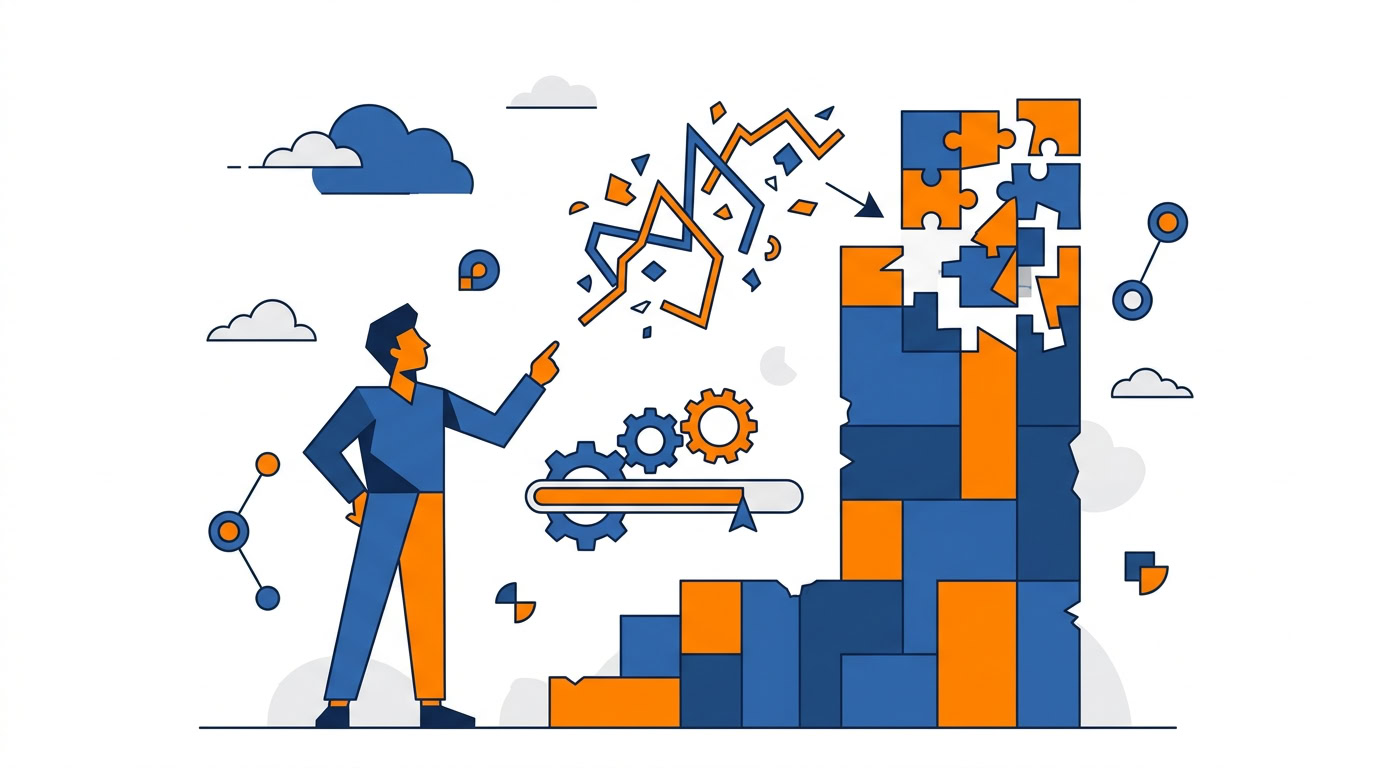
Writing with AI is sculpting. You bring the raw idea, the stone. Then you chip at the output, prompt after prompt, until it matches the thing you actually meant. Direction and refinement are the job. You stay the creative director. The model is the chisel.
Most people take one swing and call it done. That’s why the output feels generic, and why you don’t trust it.
The Three-Prompt Rule
Never accept the first AI output as final.
The first prompt gets you 85% of the way there. Useful. Incomplete. The second prompt is where you fix tone and structure. The third is where you polish details until it sounds like you.
Iterative prompting is the creative act. The first generation is just the block of stone landing on the table.
Use it on your next email or newsletter draft:
- Prompt for the draft. Get the 85%. Don’t send it.
- Prompt for tone and structure. Tell it to sound like you, tighten the shape, and cut what you’d never say out loud.
- Prompt for polish. Details only. Keep your phrasing. Kill anything that still reads like a template.
Three passes. That’s how a generic writer turns into an assistant that sounds like you.
Most people underutilize AI by stopping at one prompt. If the quality has been disappointing, start there before you blame the tool.
Keep Your Workflow. Make It Faster.
A lot of the anxiety around AI comes from thinking you have to rebuild how you work. You don’t.
AI is an accelerator. Same tasks. Faster, cleaner, fewer errors.
Writing an email that once took 15 minutes can now be done in 30 seconds. That only happens if you treat the model as a partner on a job you already do, and if you keep prompting past the first dump of text.
The payoff is mental energy. Hours of it, if the task is something you repeat every day.
Pick one repetitive task this week. Email drafting is the easy test. Do it the old way once and notice the 15 minutes. Then run the same email through three prompts and see how close you get to 30 seconds.
Master One Platform
ChatGPT. Claude. Notion AI. Microsoft Copilot. Should you become fluent in all of them?
No. Master one.
Prompting is the transferable skill. How you talk to the model is the competency. Get good in one place and you’ll adapt fast when a new AI feature shows up in software you already use.
Pick a tool you already open. Notion AI if that’s where your notes live. Microsoft Copilot if that’s already in your documents. ChatGPT or Claude if that’s the tab you keep anyway.
Then stay there long enough to get past first-prompt habits. Tool fatigue comes from chasing apps. Proficiency comes from depth.
The Analog Bridge
If you think better on paper, keep the notebook.
Photograph a page and ask an AI tool to transcribe it. Once those analog thoughts are text, you can search them, edit them, and repurpose them later.
That’s the Analog Bridge. Capture by hand. Process on a screen.
You don’t have to go fully digital to get digital utility. Photograph the notebook page in front of you and test the transcription. See what it gets right and what it mangles. Then you’ll know if this is useful for your handwriting, not in the abstract.
Turn One Training Video Into an SOP
This is the task that used to eat an afternoon.
You have a training video or a meeting recording. The team needs a Standard Operating Procedure. Doing that by hand is a 2-3 hour documentation job. Subject matter experts get stuck writing the same process over and over.
Upload the transcript. Prompt: “Format this as an SOP with sections for Purpose, Steps, and End Points.”
That’s a 10-minute AI-assisted process. Same knowledge. Consistent format. Easier for the team to find and follow.
Take one existing training video or meeting recording and convert it. One. Not the whole archive.
Use Perplexity When You Need the Live Internet
A standard LLM can draft. It can also be stale. Free ChatGPT is a static model. Fine for writing. A problem when you need current, cited answers.
Perplexity is the hybrid: ChatGPT plus Google. It searches the live internet and comes back with sources.
It’s especially good at comparative research. Ask it to compare 5 headphones based on bass quality and you get one summarized, actionable response instead of clicking through ten articles.
Trust but verify on anything high-stakes. The citations are there so you can check them. Use that.
Next Google research session you were about to start, run the query in Perplexity instead.
Do This Next
Don’t install four new apps. Don’t redesign your week.
Open the AI tool you already use. Take the next email or newsletter you have to write. Three prompts: draft, then tone and structure, then polish.
You’re the statue carver. Start with the stone in front of you.
Recommended for you
Want the full system? 25X is the flagship productivity system we teach.
Explore 25X →