
Last updated: 2026-07-06
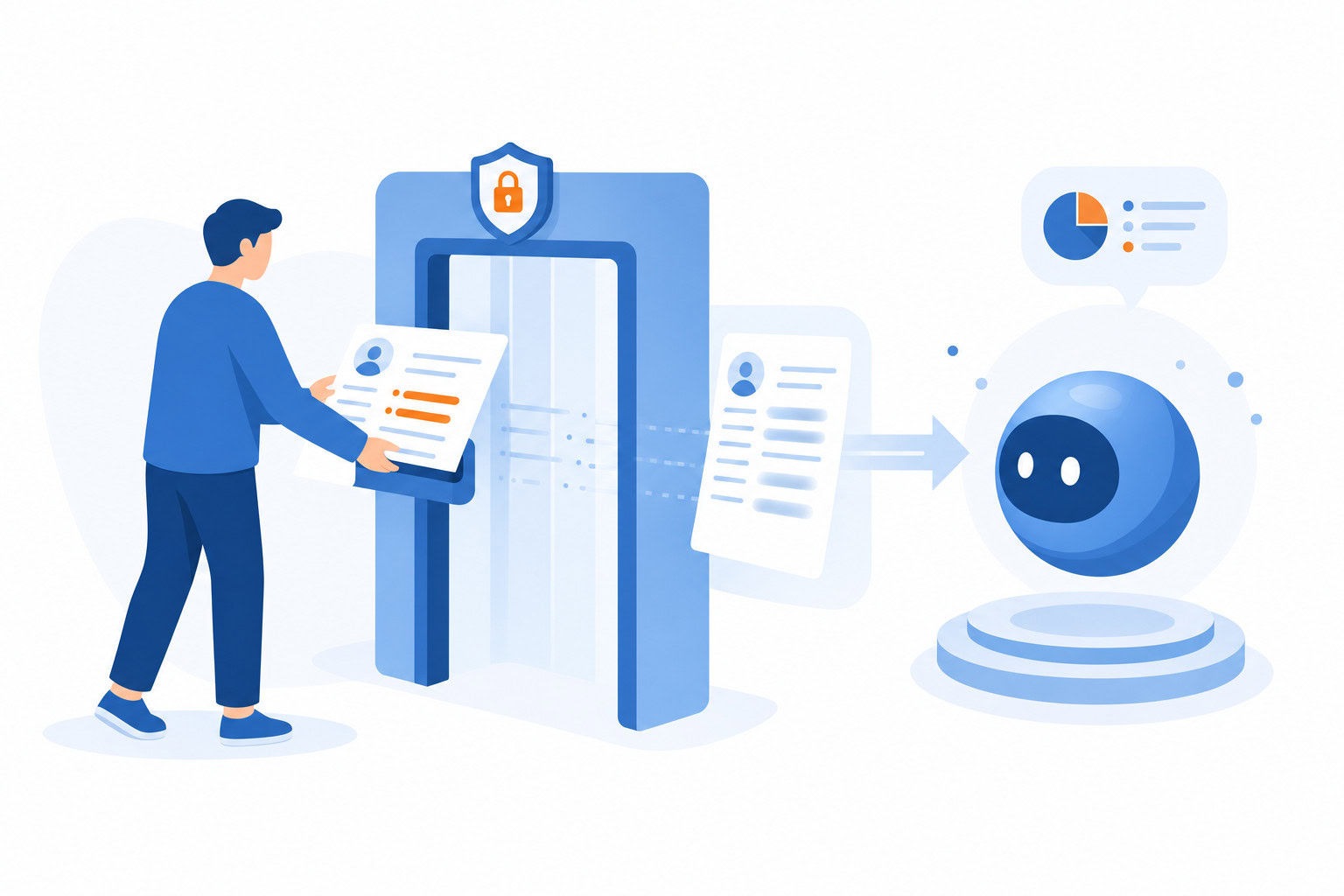
Never paste passwords, SSNs, or financial details into ChatGPT, Claude, or Gemini — that data passes through the company’s servers and can end up in a breach or a training set. Turn off training data opt-in on every platform you use, keep separate work and personal AI accounts, and use a password manager so sensitive credentials never touch a chat window in the first place.
Quick Verdict
- Never type passwords, SSNs, or financial details into any AI chatbot — use a password manager instead.
- Turn off training data opt-in on ChatGPT, Claude, and Gemini — it’s on by default for all three now.
- For genuinely sensitive work, use a Team or Enterprise plan, which contractually excludes your data from training.
What You’ll Build
| Part of the setup | What to do | Why it matters |
|---|---|---|
| Outcome | Start with the smallest version of the workflow | Easier to finish and maintain |
| Setup | Add only the tools or settings required for the result | Reduces friction and overbuilding |
| Maintenance | Review and improve after real use | Keeps the system useful instead of theoretical |
How I Evaluated This
I focused on the specific mistakes that actually put people at risk — what gets typed into a chatbot without thinking, what each platform does with your data by default, and which settings actually change that. Every price and policy detail below was re-verified in July 2026, and the 1Password pricing changed since this piece first published.
Rule 1: Never Put Passwords, SSNs, or Financial Account Info Into Any AI Chatbot
This should be obvious but it keeps happening.
No passwords. Not even “just to format them” or “just to see if they’re strong.” Never type a password into ChatGPT, Claude, Gemini, or any other chatbot. Same goes for:
- Social Security Numbers
- Bank account numbers or routing numbers
- Credit card numbers
- One-time codes (2FA codes, verification codes)
- Medical records
- Anything your lawyer told you to keep confidential
The thing is, even if a company doesn’t train their models on your data, your conversation still passes through their servers. It’s logged. It exists somewhere. And if there’s ever a data incident — which does happen — you don’t want your SSN in there.
The solution is simple. I use 1Password to store every password, secure note, and sensitive credential I have. That way the info I need is always in the password manager, never in a chat window. I’ve been using it internally at Asian Efficiency for years and I recommend it to everyone on my team.
1Password generates unique, strong passwords for all your accounts, autofills them across devices, and alerts you if any credentials get exposed in a breach. Individual plan is $3.99/month ($47.88/year). Considering what it protects, it’s one of the easiest calls in productivity software.
The mental model I use: if you’d put it in a locked safe, don’t put it in a chatbot.
Rule 2: Turn Off Training Data Opt-In on ChatGPT and Claude
Here’s something most people don’t know: by default, your conversations with ChatGPT and Claude are used to help train future versions of those models.
That changed for Claude in September 2025. Before that, Claude was one of the better options for privacy by default. Now it’s opt-out, like the others.
Here’s exactly how to opt out on each platform.
ChatGPT
- Click your profile icon in the top right
- Go to Settings
- Click Data Controls
- Toggle off “Improve the model for everyone”
Once that’s off, new conversations won’t be used for training. ChatGPT still stores conversations for up to 30 days for abuse monitoring, but they won’t be in the training pipeline.
If you want truly ephemeral conversations, use Temporary Chat — click the icon in the top right of the chat screen. Nothing is saved to history, no memory is created, nothing gets used for training.
Claude
- Go to Settings
- Click Privacy
- Look for the data training toggle and switch it off
Anthropic lets you change this anytime. If you opt out, the standard 30-day retention applies. If you opt in (the default now), your data can be retained in de-identified form for up to 5 years in their training pipelines.
Gemini
Gemini’s privacy settings are a little more tangled because they’re connected to your broader Google account.
- Go to your Google Account settings
- Find Gemini Apps Activity
- Turn it off
You can also use Gemini’s Temporary Chat feature, which clears conversations after 72 hours and skips training by default. Worth doing if you’re running sensitive searches.
Downside: when Gemini Apps Activity is off, your conversation history doesn’t get saved, so you can’t easily reference past chats.
Rule 3: Use Separate Accounts for Work vs. Personal AI Usage
This one is underused.
If you’re using ChatGPT or Claude for client work, use a separate account from the one you use for personal stuff. The reason is simple: if you’re ever sharing data from a client project, you probably don’t want that mixed with your personal memory settings, your conversation history, your preferences.
Some people go further and set up a work email on a Team or Enterprise plan and keep a personal account on the free tier. That way the work account has stronger data handling commitments (more on that below) and the personal account is just for general use.
It takes about five minutes to set up. Doing it once saves you from ever wondering later which account had which conversation.
Rule 4: For Truly Sensitive Work, Use Enterprise Plans or Self-Hosted Models
If you handle genuinely sensitive information regularly — client financials, legal documents, medical records, proprietary business data — the consumer plans of ChatGPT and Claude aren’t the right tool.
The upgrade that actually matters:
ChatGPT Team or Enterprise: OpenAI explicitly does not train on Team, Enterprise, or API data by default. Enterprise adds zero data retention options, SSO login, audit logs, and Azure data residency if you need it.
Claude for Work: Anthropic’s Team plan operates under Commercial Terms, which contractually prohibit using your conversations for model training. Around $25-30/user/month. If you’re running a small business with employees using AI on client work, this is worth considering.
Gemini for Workspace: Business and Enterprise Google Workspace plans have explicit commitments that your data isn’t used to train consumer AI models.
The bottom line: if you’re paying for a consumer plan and handling sensitive work data, you’re relying on your opt-out settings staying toggled correctly. A Team plan builds the protection in by contract.
What ChatGPT, Claude, and Gemini Actually Store
Here’s a quick reference for what each tool keeps by default on consumer plans:
ChatGPT (Free/Plus):
- Conversation history: indefinitely unless you delete it
- If training is ON: data can be used to improve models
- If training is OFF: 30-day retention for abuse monitoring
- Temporary Chat: nothing stored after the session
Claude (Free/Pro/Max):
- If training is ON (default after Sep 2025): data retained up to 5 years in de-identified form for training; trust and safety scores up to 7 years
- If training is OFF: 30-day retention
- Claude for Work (Team/Enterprise): does NOT train on your data
Gemini (Consumer):
- If Gemini Apps Activity is ON: data stored and can be used for training
- If Gemini Apps Activity is OFF: conversations not saved, not used for training
- Temporary Chat: clears after 72 hours, no training
The consistent theme: enterprise plans across all three platforms give you contractual protections that consumer opt-outs don’t fully replicate. If privacy matters for your work, pay for the right tier.
What’s Safe to Share vs. What Isn’t
Some people swing too far the other way and get paranoid about using AI at all. That’s not the goal here.
Fine to share:
- General work tasks (“help me write a follow-up email to a prospect”)
- Anonymized descriptions (“a client in the healthcare space is struggling with X”)
- Research questions on public topics
- Editing and feedback on non-confidential content
- Brainstorming and strategy with no proprietary details
- Your own writing, without sensitive personal data attached
Not fine to share:
- Passwords in any form
- Social Security Numbers or passport numbers
- Bank or credit card details
- Client names + private deal specifics (unless on an Enterprise plan with data agreements)
- Medical records or diagnoses
- Anything under NDA unless your plan has appropriate data controls
The test I use: would I be comfortable if this conversation showed up in a future training dataset? Not because it definitely will, but as a gut check. If the answer is no, anonymize it or don’t type it in.
Why 1Password Belongs in Your AI Setup
The connection between AI tools and password managers isn’t obvious until you think about it.
When people are in the flow of working with AI, they get comfortable. They start typing faster, pasting more, sharing more. That’s when mistakes happen — like pasting credentials into a chat instead of a form.
A password manager removes the temptation entirely. If every password is already saved and autofilling, you never have a reason to copy-paste one manually. You never have the thing in your clipboard waiting to end up somewhere it shouldn’t.
I’ve used 1Password for years. So does everyone on the Asian Efficiency team. The Individual plan is $3.99/month ($47.88/year). Families plan is $5.99/month ($71.88/year) for up to five people. Business plan is $7.99/user/month.
One master password to unlock everything else. Unique, strong passwords generated for every account. Breach alerts when something you use gets compromised.
It’s table stakes for digital security in 2026 whether or not you’re using AI. With AI in the mix, it’s non-negotiable.
Frequently Asked Questions
Is ChatGPT safe to use for work?
Yes, with caveats. If you turn off training in the data controls settings, your conversations aren’t used to improve models. But you’re relying on that toggle staying off. For actual client or business data, ChatGPT Team ($30/user) gives you contractual protections and keeps data out of training pipelines by default. For general productivity tasks with no sensitive data, the free or Plus plan is fine once you’ve opted out of training.
Does Claude train on my data?
After September 2025, yes — by default. Anthropic changed their terms so that Free, Pro, and Max plan users are opted in to data training unless they explicitly opt out in Privacy Settings. If you opt out, standard 30-day retention applies. If you don’t opt out, your conversations can be retained up to 5 years in de-identified form. Claude for Work (Team/Enterprise) does not train on your data at all.
What’s the safest AI chatbot for privacy?
For consumer plans, the ranking changes based on what you mean by “safe.” All three major platforms let you opt out of training. Claude’s opt-out is straightforward once you find it. Gemini’s is tied to your Google account and a bit more confusing. ChatGPT’s is buried in settings but effective.
For business use with sensitive data, any of the enterprise or team plans (ChatGPT Enterprise, Claude for Work, Gemini Workspace) give you contractual commitments that consumer opt-outs don’t. Pick whichever model you already prefer and upgrade the plan.
Do I need a VPN to use AI tools safely?
For most people, no. The main AI privacy risks are about what you type and how your data is stored, not about network interception. A VPN helps on public Wi-Fi where traffic could theoretically be observed, but it doesn’t change what the AI company does with your conversation on their servers. If you’re using AI tools primarily from home or a trusted office network, a VPN isn’t adding much protection specific to AI. It’s still a solid general privacy tool, just not the first thing to focus on for AI safety.
What To Do Right Now
Four things, fifteen minutes total:
- Go turn off training on ChatGPT (Settings > Data Controls > toggle off)
- Do the same on Claude (Settings > Privacy)
- If you don’t have a password manager, get 1Password — 14-day free trial, $3.99/month after that
- If you’re using AI for client or business work regularly, look at the Team or Enterprise plan for whatever tool you use most
You don’t have to stop using AI. You just have to be smart about what you put in.
Want more on AI tools and how to use them for productivity? Check out our AI assistant comparison and ChatGPT Plus vs Claude Pro for more on picking the right tool.
We also run AI workshops for small teams and businesses. If you want to get your team set up with AI tools properly, here’s what we cover.
Recommended for you
Want the full system? 25X is the flagship productivity system we teach.
Explore 25X →