I kept an iPhone 12 Pro and an old iPad for years because they worked fine. That was the whole argument. The apps opened. I stayed.
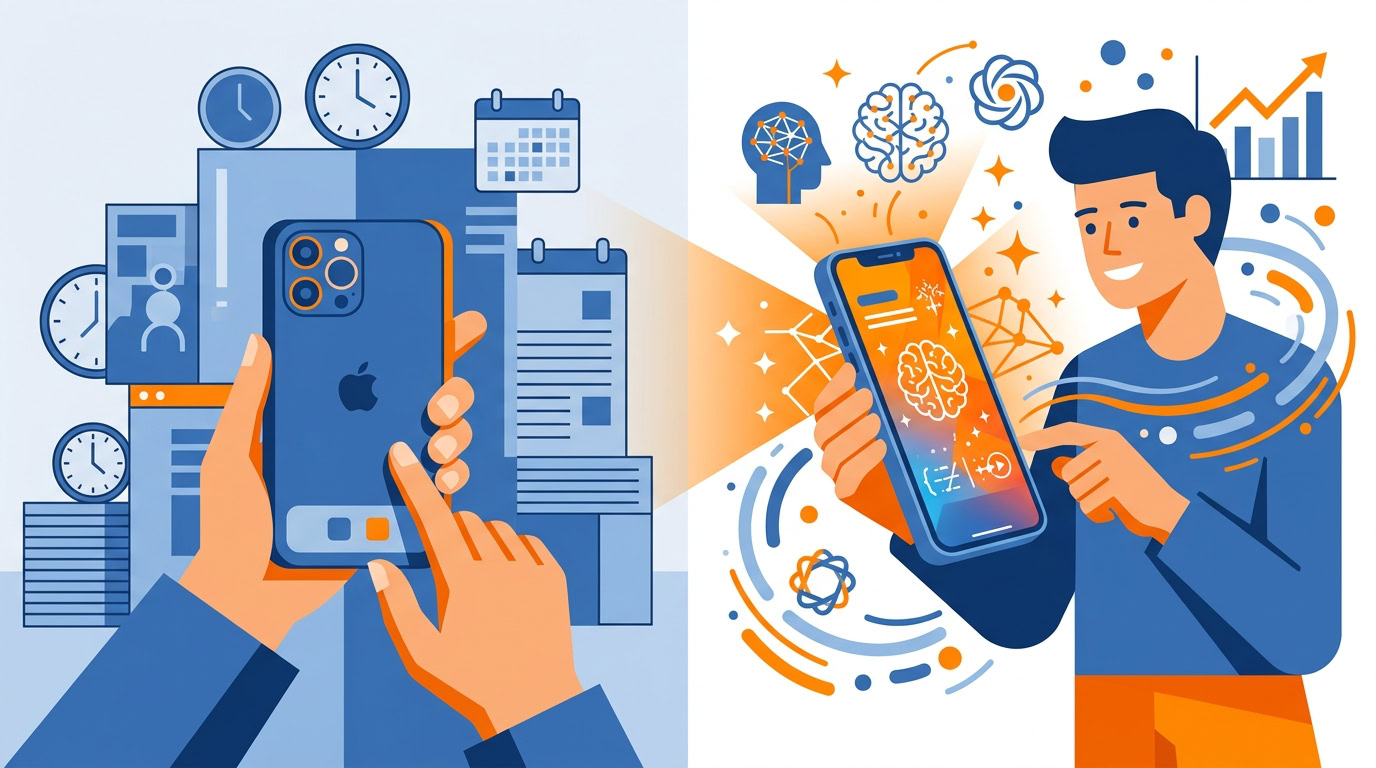
Apple Intelligence ended the streak. Deep AI integration created a genuine urgency to upgrade. I used to treat “it works fine” as a complete decision. Now I ask a second question. Can this hardware run the upcoming AI features?
AI capabilities are becoming the primary driver for hardware refresh cycles. Assess your current hardware against the AI features coming to these devices. That tells you whether the next upgrade has a real job.
This is the AltaVista era
I compare this moment in AI to the early web. AltaVista. Geocities. Powerful, clunky, and dependent on specific inputs. You went there on purpose.
Does your day still look like that? Open the AI tool. Write a specific prompt. Carry the result back to the document. The power is there. So is the clumsiness. If you’re annoyed, you’re on time. Early tools feel like this.
Apple’s move starts the next phase. AI becomes a seamless, ambient layer of the operating system. The help sits inside the work. Give that maturation two or three years. Specific inputs today. More ambient after that.
You don’t need the mathematics to use any of this. You don’t need to understand the combustion engine to drive a car. You need to operate the tool and get from A to B. Same thing. Stop over-analyzing the tech specs. Experiment with a practical use.
Are you still reading about the engine? Pick one ordinary job and run it. A summary, a rewrite, an inbox triage, or a message you schedule. One pass.
Anonymize Your Data
I follow a rule I call Anonymize Your Data. When I use a cloud tool like ChatGPT for analysis, I remove personal data before I paste. Names. Email addresses. I assume the platform stores that information and trains on it, even when the chat is not publicly accessible.
Would you leave a colleague’s email in there? I wouldn’t.
Make the checklist once. Use it every time you paste into a public AI tool.
1. Names
Swap people for roles. The situation stays. The identity goes. If a real name is required for the task to make sense, keep that task off the cloud tool.
2. Email addresses
Delete every address. If you need to mark that someone sent the message, write sender. An address is a direct line back to a person.
3. Your assumption about privacy
A private chat can still be stored. I write as if the paste is kept and may be used for training. Anything you left in because the thread feels closed comes out.
4. One last read
Read the leftover. If you can still tell who it is about, cut more. Paste only after that read.
Cloud tools win on convenience, and what you send may become training data. Apple’s Apple Intelligence strategy prioritizes on-device processing and private cloud compute, so photos, notes, and location history can inform the AI without going to a third-party server. Those are the privacy concerns that often hinder AI adoption in professional settings. Put sensitive context on the privacy-first path. Put generic drafting in the cloud after the checklist.
The personal LLM on your phone
Brooks has a name for the on-device version of this. A personal LLM. Your phone holds a dataset that is yours alone. Photos, notes, app history. Processed on the device, AI can learn specific habits, like a morning routine or the coffee you prefer to order, and automate tasks with high precision. Generic cloud AI works without your photos, your notes, or your app history.
What unique data do you already hold? Look at the notes, the photos, the routines you have never pasted into a chatbot. That is the material personal automation can use. Keep the processing on the device if you want the context to stay yours.
Stay inside the app
Brooks sees Apple’s new AI features as background quality of life improvements. Summarization, rewriting, and action-taking live inside Mail, Notes, and Photos. Copying text into a separate AI tool and pasting the result back is the round trip to audit.
Where are you still doing the copy and the paste? Audit those spots. Native integration is there to remove the switch.
In Apple Mail, Brooks pointed at two changes. Apple Mail can show an AI-generated summary of an email in the inbox list, in place of the first two lines of text. A priority section learns your preferences. Triage takes less cognitive load, because you see what the message is about before you open it.
Gmail has Smart Compose and summary features in the same neighborhood. Try the native version in whichever inbox you use, and notice whether triage time drops.
A snap for locked-down Macs
One more from Brooks, and this one is about the desktop. macOS Sequoia has window tiling. Drag a window, and it snaps. If your company blocks Moom or BetterSnapTool, this is how you get Windows-level window management on a Mac. Check whether your corporate setup allows the native feature. If it does, use it in place of Moom or BetterSnapTool.
Plan the texts on Sunday
iOS lets you schedule a text message, and I’m planning to use it. On Sunday evenings I already run a weekly planning session. I’ll draft birthday messages and check-in messages in that block, then schedule the send. Timely and thoughtful, written while I’m planning, and scheduled clear of an awkward hour.
Put your relational messages into the planning block you already have. Write them. Schedule them.
Do this before the next paste
Before your next cloud paste, run the checklist. Names out. Email addresses out. Read it as if the platform will store it and train on it. Then decide.
Recommended for you
Want the full system? 25X is the flagship productivity system we teach.
Explore 25X →