
I recently worked with a dating and matchmaking service client who was wasting hours scrolling through LinkedIn and Instagram to find potential matches. We realized AI vision could identify and categorize people based on specific attributes like location or fitness level. It cut their manual sourcing time by 80 percent. That experience showed me how powerful AI can be when it is tuned to a specific workflow.
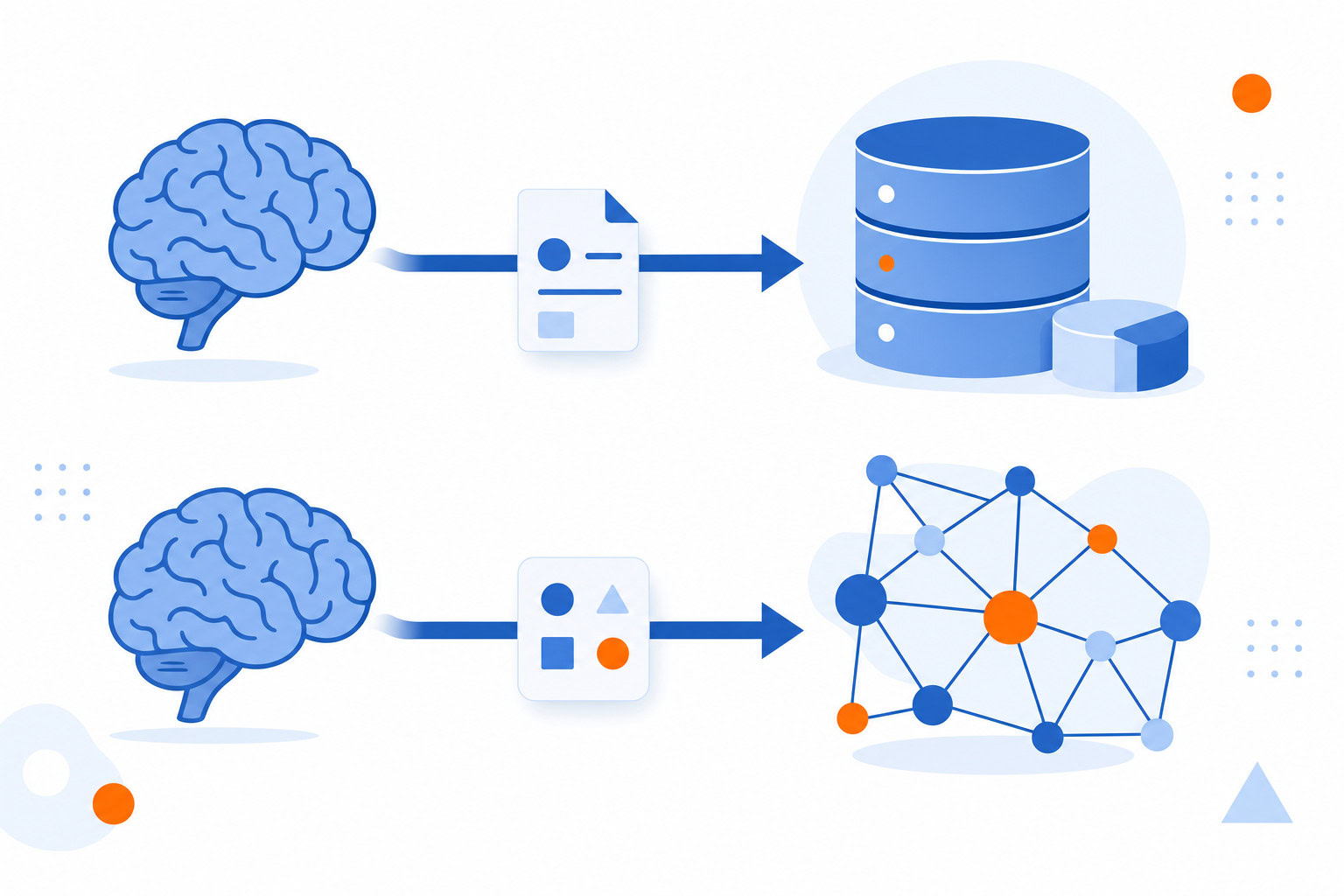
The same principle applies to your notes. You are not just choosing between two apps. You are choosing between an all-in-one workflow and a build-your-own system.
Quick Verdict
If you want AI to feel like a helpful teammate that just works inside your existing workspace, pick Notion AI. It is the smoother choice for teams and visual planners who value speed over total control. If you are a solo knowledge worker who cares about data ownership and wants to build custom AI agents, pick Obsidian with plugins like Smart Connections. It requires more setup but offers far more depth.
I have tested Notion AI extensively for business operations and personal planning. I have researched Obsidian and its plugin ecosystem closely but have not used it as my daily driver. The difference in philosophy is real. One is a polished suite. The other is a toolbox.
Quick Summary: Who Should Pick What?
| If you want… | Choose… | Why |
| A unified workspace for notes, tasks, and wikis | Notion AI | AI is built-in. No plugin hunting. Works great for teams. |
| Full control over your data and offline access | Obsidian + Plugins | Your files stay on your device. You can use any AI model. |
| To avoid technical setup and configuration | Notion AI | It is ready to use out of the box. Very low friction. |
| To build custom AI agents and deep workflows | Obsidian + Plugins | You can chain plugins to create complex logic Notion cannot. |
| Strong visual customization and team collaboration | Notion AI | The interface is intuitive and collaboration is seamless. |
| To use local LLMs like Llama 3 for free | Obsidian + Plugins | You can connect to Ollama and run models locally. |
Where Notion AI Wins
Notion AI is designed for people who want a single source of truth. It is the tool I use to manage my entire business and personal life. As a visual person, I appreciate how I can incorporate images and icons to make my dashboards feel alive.
The biggest win here is integration. You do not need to switch apps to get a summary. You do not need to configure API keys to draft a document. The AI lives inside the blocks you are already using.
I have built briefing agents for clients whose assistants used to burn most of a workday researching meeting contacts. The pattern is always the same: an agent reads the calendar, pulls context on every attendee, and delivers a short brief before each meeting — hours of prep collapsed into minutes. Notion’s agent can sit in that same seat if your notes already live there.
What I like about Notion AI
– It works directly within the app. No context switching.
– The interface is visually pleasing and highly customizable.
– It handles team collaboration better than any other tool in this category.
– AI agents can handle repetitive tasks autonomously once configured.
What I don’t like
– AI features can get expensive when billed per credit or requiring higher tiers.
– It is not a good choice if you need offline access.
– The complexity can overwhelm users who just want simple note-taking.
– The affiliate program has paused new applicants, which is a bummer for creators.
Best for
Individuals and teams seeking a unified, cloud-based platform for project management and documentation who value visual customization and integrated AI assistance over offline capabilities.
Where Obsidian + AI Plugins Wins
Obsidian is the anti-Notion in many ways. It is local-first. Your files are just text files on your hard drive. You own them. You can move them anywhere. You do not need an internet connection to read your notes.
The power comes from the ecosystem. There are over 2,700 plugins available. For AI, the Smart Connections plugin is the standout. It uses embeddings to find related content across your entire vault. It supports over 100 AI models via API. You can use Claude, Gemini, or even local models like Llama 3 through Ollama.
The same principle applies in sales-heavy niches: I have seen teams mine ownership data into a simple spreadsheet and let AI draft the outreach — no heavyweight CRM required, just a database the AI can read. Notion’s databases fill that role well.
What I like about Obsidian + Plugins
– Full offline access and local data storage.
– You can support any AI model, including free local models.
– Highly customizable with a massive plugin library.
– Superior for solo AI workflows that require deep logic.
What I don’t like
– The learning curve is steep. It is complicated to use at full potential.
– Smart Connections Pro features can be expensive due to token usage.
– Reliance on third-party plugins means potential instability if developers stop support.
– It is not ideal for team collaboration compared to centralized platforms.
Best for
Solo knowledge workers, researchers, and developers who prioritize data ownership, offline access, and deep customization over out-of-the-box team collaboration features.
Pricing Comparison
Pricing is where the two tools diverge significantly. Notion AI follows a subscription model with usage-based credits. Obsidian is free for the core app, but the AI plugins often rely on external API costs or separate plugin subscriptions.
Notion AI Pricing
– Free Plan: $0 per month. No AI features included.
– Plus Plan: $10-12 per user per month. Some AI features may be limited.
– Business Plan: $20-24 per user per month. Full AI access.
– AI Credits: $10 per 1,000 credits. This is billed separately.
– Enterprise: Custom pricing.
Obsidian + Smart Connections Pricing
– Core App: Free forever.
– Smart Connections Plugin: Free tier available.
– Smart Connections Pro: Paid plan required for features like Smart Chat and advanced context packs.
– API Costs: You pay for tokens directly to the model provider (OpenAI, Gemini, etc.).
– Local Models: Free if you run Ollama or similar locally on your machine.
The cost of Obsidian can spiral if you use paid API models heavily. The cost of Notion is more predictable but starts higher if you need the Business tier for full AI access.
Side-by-Side Feature Comparison
| Feature | Notion AI | Obsidian + Smart Connections |
| Data Location | Cloud-based | Local-first (on your device) |
| Offline Access | Limited | Full |
| AI Integration | Built-in, seamless | Plugin-based, requires setup |
| Model Choices | Proprietary Notion models | Any model (LLM, local, API) |
| Team Collaboration | Excellent | Poor to non-existent |
| Ease of Use | High (plug and play) | Low (steep learning curve) |
| Customization | Visual blocks and layouts | Deep logic and agent building |
| Cost Structure | Subscription + Credits | Free core + API/Plugin fees |
| Best Use Case | Team wikis, project management | Solo research, deep knowledge work |
My Recommendation
This is not a question of which tool is better. It is a question of your AI maturity level.
If you are at the AI Assisted stage, you want a tool that helps you write faster and summarize better without changing your workflow. In that case, Notion AI is the clear winner. It is the tool I recommend to most clients who are just starting to integrate AI into their daily work. It removes the friction of setup and lets them focus on the output.
If you are at the AI Workflows stage, you want to build custom agents. You want to chain together different models. You want to own your data completely. In that case, Obsidian is the better fit. It is for the builder who sees AI as a set of components to be assembled into a unique system.
I recently realized that most notetakers just send you a transcript summary. But I wanted to go further. So I built an AI notetaker that drafts follow-up emails automatically. The moment the meeting ends, the AI has drafted the email with the video link ready to go. That level of specific automation is possible in Obsidian if you know how to build it. It is harder to do in Notion without custom development.
Choose the tool that matches how much you want to build versus how much you want to use.
FAQ
Can I use Obsidian for team collaboration?
Not really. Obsidian is designed for solo knowledge work. While there are some sync plugins, they are not as seamless or feature-rich as Notion’s real-time collaboration. If you need to work with a team, stick with Notion.
Is Notion AI expensive?
It can be. The base subscription is affordable, but the AI credits are billed separately. If you use AI heavily, the cost can add up. Obsidian can be cheaper if you use free local models, but the API costs for cloud models can also get high.
Do I need to know how to code to use Obsidian AI?
You do not need to be a coder, but you do need to be comfortable with technical settings. You will be configuring API keys and managing plugin settings. It is more complex than Notion, which is all point-and-click.
Which tool is better for offline work?
Obsidian is the only choice here. It is a local-first app. Your notes are on your device and you can access them without an internet connection. Notion requires an internet connection for most features, including AI.
Can I migrate from Notion to Obsidian?
Yes, it is possible but it takes work. You will need to export your Notion pages and import them into Obsidian. The formatting might not be perfect, and you will need to learn how to set up the plugins to get the same functionality.
Final Thoughts
The choice between Notion AI and Obsidian is really about your relationship with your data. Do you want a polished, all-in-one service that handles the heavy lifting for you? Or do you want a flexible, local-first engine that you can tweak to your exact needs?
I have tested Notion AI deeply and use it to manage my business operations. It is a great tool for visual planners and teams. I have researched Obsidian closely and respect the power of its plugin ecosystem, even though I have not used it as my daily driver.
If you are just starting out, start with Notion. If you are a power user who wants to build something unique, try Obsidian. Both can help you save time and work smarter. The key is picking the one that fits your current workflow.
Recommended for you
Want the full system? 25X is the flagship productivity system we teach.
Explore 25X →