
Brooks published a backdated post. June vs. July.
You can change the date and ship it. That’s the human fix. The system fix belongs in the workflow, or the same error comes back.
When the AI gets something wrong, don’t only correct the output. Update the skill or prompt so it catches that specific error next time. Brooks’s June vs. July error is a root cause. Treat it that way. This is the One Tweak a Week review principle. Review becomes a continuous improvement loop. The tweak is systemic instead of a recurring manual note you leave yourself.
That same move scales.
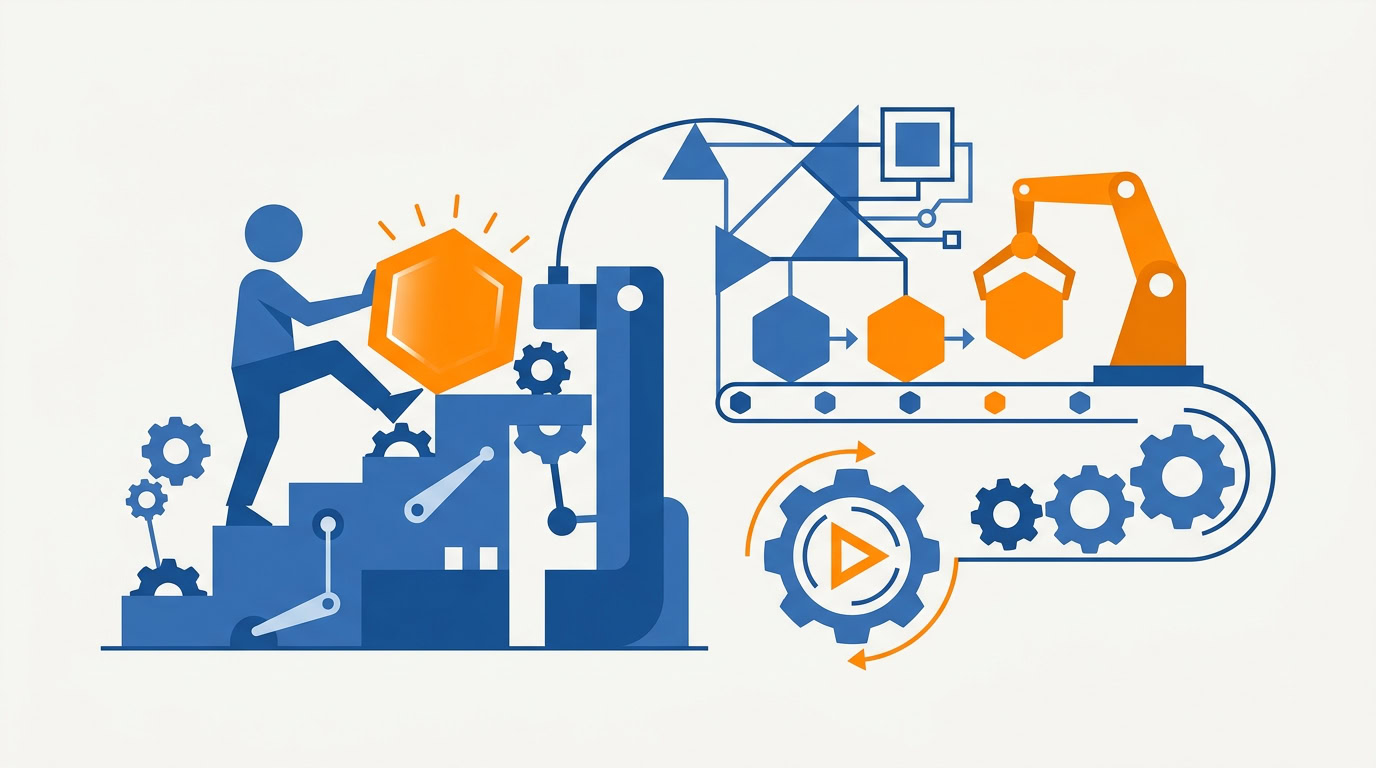
Brooks has a concept for the advanced version of this. He calls it the Software Factory. Stop manually kicking off individual AI tasks like “write this slide” or “generate this image.” Build the machine instead: routines, skills, and context. Then the AI executes continuously without you triggering every job.
Your role shifts from writer to tuner.
The early stage is what he calls the kickoff vibe. You initiate every task. You wait. You initiate the next one. Fine when you’re learning. A lousy permanent setup.
So how do you build the factory without automating all five layers at once?
Start with the layer that’s hurting
There are five layers of AI integration: Capture, Triage, Planning, Execution, and Review.
Don’t try to automate all five at once. Identify the layer causing the most friction in your current workflow and start there. You get immediate value. You don’t drown in setup.
Capture is usually the highest ROI starting point for most professionals. If the AI never sees the Slack promise or the meeting transcript, Planning and Execution are guessing.
Which layer is your bottleneck?
Capture: stop pasting context by hand
Context is king. Give the AI the full picture.
I connect it to email, Slack, and meeting transcripts so it has automated background access. That’s how it surfaces the small commitments you’d otherwise lose. The “I’ll get back to you” sitting in daily chat.
Are those notes living in Slack right now with nothing catching them?
For Teams, use the browser version so Claude can take screenshots. For Slack, install a workspace app.
Brooks’s current gap is manual copying. Grab a thread, paste it into a chat, hope you got the right stretch. Automated background access is the other approach. Capture can run without a kickoff.
If this layer is the friction, check your current AI context setup. Email. Slack. Transcripts. Browser Teams if you need screenshots.
Triage: replace the Hazel maze
Once stuff is captured, it has to go somewhere.
AI triage for file management looks like this. Use a tool like Claude Cowork, point it at a scan inbox, and let it name and file documents. Screenshots and documents get organized weekly by year and month. No manual setup. It replaces elaborate Hazel rules.
Is it perfect? No. This is good-enough accuracy. If you need 100% precision, use deterministic code instead. If a misfiled document would actually hurt you, don’t use the AI for that pile.
If digital clutter is the pain, set up a filing assistant. Let it organize a week’s worth. Then look at what it missed and decide whether good enough is good enough.
Execution: edit with the AI, then drop in Taste.md
Want less robotic output? Stop editing after the AI is done.
Teaching AI your voice requires editing with the AI. Use Canvas mode in ChatGPT or Claude and refine the draft in real time. If you have to edit externally, paste the final version back and say “remember how I write.” After 4-5 rounds of that feedback loop, the AI learns your style and needs significantly less correction.
You’re not doing 4-5 rounds on every email for the rest of time. You’re doing them so later drafts come in sounding like you. That’s what takes the robotic feel out, and it saves time on long-term projects.
Try it on your next email draft. Stay in Canvas if you can.
Then give every project a Taste.md file.
One document. Your design preferences, aesthetic guidelines, and tone rules. Drop it into every new AI project. The AI self-checks against it before presenting work. You cut the repetitive feedback loops. First drafts come in closer to your standard.
This is a set-and-forget system. Quality improves over time without you restating the same notes on every job. If you don’t want to start from a blank page, use a Taste.md template for writers and designers and drop it into the next project you open.
Review is where the factory gets better
Go back to June vs. July.
The review layer is where you catch the error and then change the skill. One tweak a week. Not a running list of “remember to check the date” notes. An actual update to the routine so that class of mistake gets caught next time.
This is systematic improvement. Same instinct as Kaizen. Audit the workflow for recurring errors and fix them in the machine.
Do this next
Don’t stand up all five layers.
Find the layer causing the most friction. If you’re unsure, start with Capture. Connect the AI to email, Slack, and meeting transcripts, and stop kicking off every task by hand. Build one routine that can run without you. Then tune it.
Recommended for you
Want the full system? 25X is the flagship productivity system we teach.
Explore 25X →