
I was on a call with Laurina about an upcoming workshop in Virginia Beach. She kept reaching for a pen to take notes. Then she stopped and laughed. You probably have an agent taking notes right now, don’t you? I told her yes. The whole conversation was being automatically transcribed and organized in the background. She was amazed that while she was scrambling for paper, I had everything captured and ready to send her afterward. It was a perfect example of what I teach in my workshops. Most people are still doing things the hard way when AI can handle the tedious stuff automatically.
That moment reminded me why the shift toward object-based note-taking matters. We are moving past simple text files or rigid databases. We need systems that understand relationships between ideas, people, and tasks. The three biggest contenders in this space for 2026 are Tana, Capacities, and Logseq.
I have tested Tana and Capacities deeply. I have looked closely at Logseq but have not used it personally as a daily driver. Each tool handles the concept of objects differently. Some use dynamic tags. Others use distinct object types. One relies on a local graph.
Quick Verdict
If you need a system that feels like a database but writes like an outliner, Tana is the winner. It is the most flexible tool for complex workflows where data needs to be queried and reorganized instantly.
Capacities is the best choice if you want a cleaner, more visual interface that still treats notes as distinct objects. It feels more like a traditional note app but with superpowers.
Logseq is the answer if you care about local storage, privacy, and owning your data completely. It is free and open source, but it requires more manual setup.
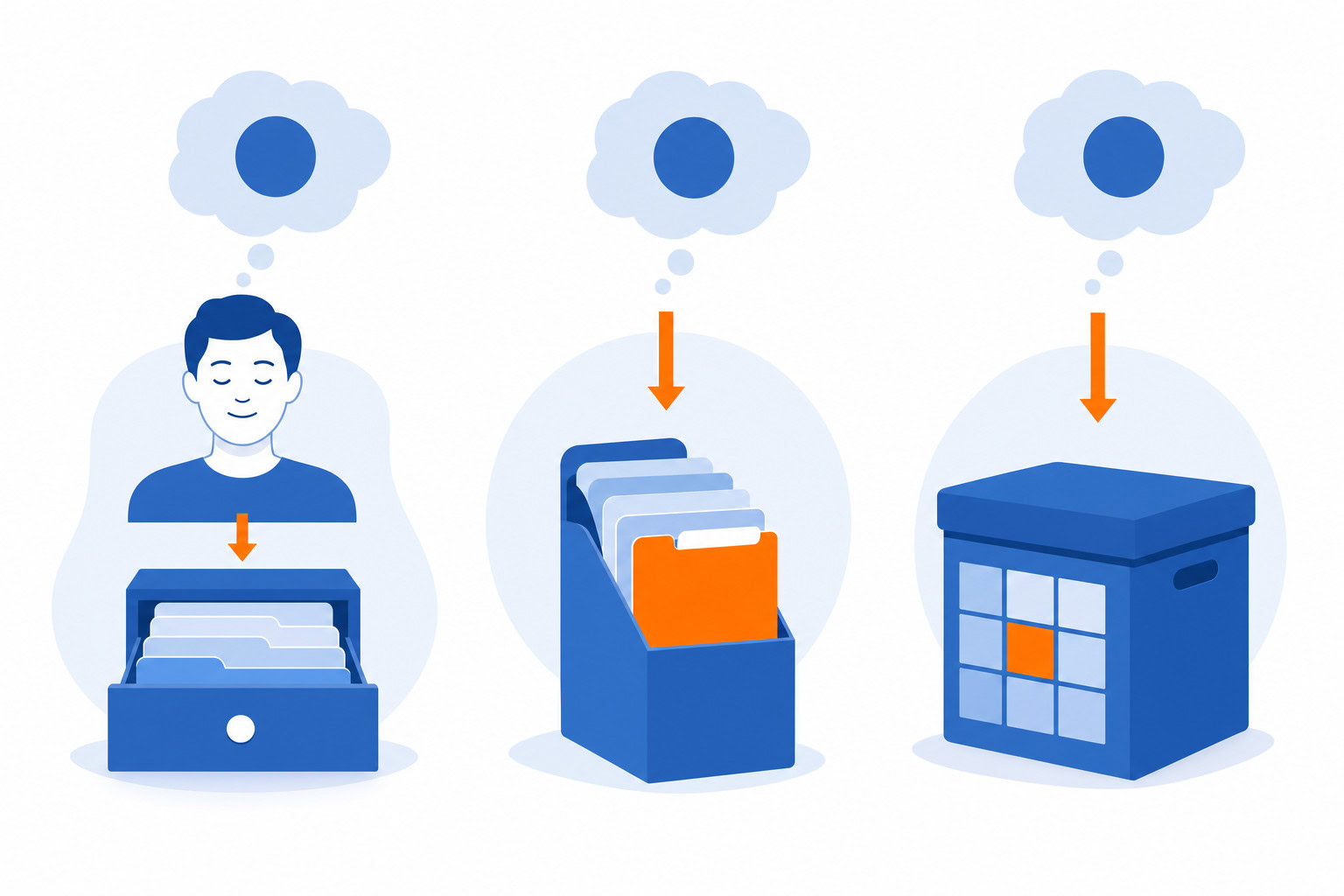
Who Should Pick Which Tool
Here is the breakdown for your specific situation:
Pick Tana if
You manage complex data sets like a personal CRM or project tracker. You are comfortable with a steep learning curve and want Supertags to power your workflow. You need to query your notes dynamically.
Pick Capacities if
You want a beautiful, object-based interface that is easier to learn than Tana. You prefer a visual layout over a pure outliner. You are okay with a smaller community and some mobile app limitations.
Pick Logseq if
Privacy and local storage are your top priorities. You want a free tool where you control the file structure. You are comfortable with a graph-based approach and do not need cloud-based object features.
Core Philosophy: How They Handle Data
The main difference between these tools and Notion or Obsidian is how they treat information. Notion treats pages as containers. Obsidian treats notes as files with links. These three tools treat every piece of information as an object that can be linked, queried, and reorganized.
Tana: The Supertag Revolution
Tana builds everything on Supertags. A Supertag is a tag that carries its own database of properties. When you attach a #Person tag to a note, that note instantly becomes a row in your people database. You can add properties like “Last Contact Date” or “Industry” directly to the tag.
This means you can write a freeform note about a meeting and then turn specific parts of that note into structured data without creating separate tables. It is the closest thing to a database that still feels like writing.
Capacities: Object-Centric UI
Capacities takes a different approach. It defines specific object types like Person, Project, Book, or Meeting. When you create a new note, you choose the object type first. The interface then adapts to show the relevant fields for that type.
This makes it feel more like a structured application than a blank canvas. It is less flexible than Tana in theory, but the user experience is often smoother for people who want a clear structure without building it from scratch.
Logseq: The Local Graph
Logseq is different because it is local-first. It stores everything as plain text files on your computer. It uses a graph-based system where every bullet point is a block that can be linked to any other block.
It does not have the same “object” definition as Tana or Capacities. Instead, it relies on a network of connections. You can add properties to blocks, but the focus is on the graph of ideas rather than a structured database of objects.
Feature Deep Dive
Supertags vs Object Types vs Graph Blocks
Tana’s Supertags allow you to create custom data structures on the fly. If you are building a system to track leads, you can create a #Lead tag with properties like “Value,” “Status,” and “Next Step.” You can then search for all leads with a “Value” over $5,000 in a fraction of a second.
Capacities forces you to choose an object type. If you want to track leads, you create a “Person” object and add custom properties to it. The interface is cleaner because the system knows exactly how to display a Person object. It does not require you to build the schema yourself.
Logseq lets you add properties to any block. You can turn a bullet point into a person, a task, or a concept by adding metadata. The power comes from the graph view, which shows you how these blocks connect. It is less about querying specific properties and more about exploring the network of your knowledge.
AI and Automation
Tana has built-in AI features that are deeply integrated with Supertags. You can ask it to generate a summary of all #Meeting notes from last week or to draft a follow-up email based on the properties of a #Person. I tested this with a client who was drowning in manual data entry. We used AI pre-drafting to handle the prep work. The system could pull data from the tags and write a draft in the user’s voice. Editing was much faster than authoring from scratch.
Capacities also has AI features, but they are currently more focused on summarization and basic generation. They are useful but feel less central to the workflow than in Tana.
Logseq has AI plugins, but they are not built into the core. You have to install them separately. This keeps the core app lightweight but adds friction if you want advanced AI features.
Mobile Experience
This is where the differences become very clear.
Tana’s mobile app is functional but can feel slow when the database grows large. It works well for quick captures and viewing, but heavy editing is better done on a desktop.
Capacities has significant gaps in its mobile app. As of early 2026, there is no homescreen widget. The editing experience is buggy. Quick capture is possible, but it is not as smooth as it should be. If you rely heavily on your phone for note-taking, this is a real limitation.
Logseq has the best mobile experience of the three for offline use. It is fast, reliable, and works perfectly without an internet connection. The sync between devices requires a paid subscription, but the core app is fully functional on mobile.
Pricing Comparison
Tana
Tana offers a free plan for individuals with full editor features. This is generous. You can use almost everything without paying. Paid plans start at $3 per member per month for team additions. There are also academic plans available. The pricing structure can be a bit confusing because some third-party sources list conflicting models. It is best to check the official site for the latest details.
Capacities
The core product is free. The Pro tier costs $11.99 per month or $119.88 per year. This unlocks unlimited media uploads, AI features, and API access. Some users feel this is a high price point compared to competitors, but it includes features that are often paid add-ons elsewhere.
Logseq
Logseq is completely free. All core features are accessible without payment. There is an optional paid tier for Logseq Sync at €5 per month for encrypted cloud synchronization. There is also a Sponsor tier at €15 per month for access to experimental features. The project runs on community funding and donations.
Side-by-Side Comparison
| Feature | Tana | Capacities | Logseq |
|---|---|---|---|
| Core Model | Supertags (Dynamic DB) | Object Types (Person, Project) | Block-based Graph |
| Data Storage | Cloud (Cloud-synced) | Cloud (Cloud-synced) | Local (Plain Text) |
| Free Tier | Full Editor | Core Features | Full Core App |
| Mobile App | Good, can be slow | Buggy, missing features | Excellent, offline-first |
| AI Integration | Deep, native | Good, Pro only | Plugin-based |
| Learning Curve | Steep | Moderate | Moderate to High |
| Best For | Complex data, CRM | Visual PKM, structured notes | Privacy, local storage |
Real-World Use Cases
Personal CRM
A super connector in Austin uses Tana as a personal CRM to track relationships. He tags specific opportunities like finding a soccer coach for a contact’s son. He reviews these tags twice a week to make introductions. This is possible because Tana allows him to attach rich data to every person and query it easily.
Project Management
Capacities works well for project management where you need a clear distinction between tasks, people, and projects. The object-based UI makes it easy to see the status of a project without getting lost in a sea of unstructured text.
Research and Writing
Logseq is ideal for researchers who need to link ideas across a large body of work. The graph view helps you see connections that might be missed in a linear outline. It is great for people who want to own their data and work offline.
My Recommendation
I have tested Tana and Capacities extensively. I have not used Logseq personally, but I understand its strengths.
If you are building a complex system to manage data, relationships, or projects, Tana is the best choice. The Supertag system is powerful and flexible. It takes time to learn, but once you get it, it is hard to go back to anything less.
If you want a cleaner, more visual experience that still gives you the power of objects, Capacities is the winner. It is easier to learn than Tana and has a beautiful interface. Just be aware of the mobile limitations.
If you prioritize privacy and want a free tool that works offline, Logseq is the answer. It is not as advanced in its object features, but it gives you complete control over your data.
Migration Guide: Moving from Notion or Obsidian
Moving from Notion or Obsidian to an object-based tool requires a shift in mindset.
From Notion: You are moving from pages to objects. Instead of creating a page for a person, you create a #Person tag. Instead of a database table, you use Supertags to organize data. The transition is easier if you start with a single use case like a project tracker.
From Obsidian: You are moving from files to a graph of objects. Logseq will feel familiar because it is also block-based. Tana and Capacities will feel different because they enforce structure. You will need to learn how to use properties and tags to replace your current linking style.
Start small. Pick one area of your life or work to migrate first. Do not try to move everything at once.
FAQ
Is Tana free?
Yes, Tana has a free plan for individuals that includes the full editor. Paid plans are mainly for teams.
Does Capacities have a mobile app?
Yes, but it has significant limitations. There is no homescreen widget and the editing experience can be buggy.
Is Logseq really free?
Yes, the core application is completely free. You only pay if you want cloud sync or access to experimental features.
Which tool is best for AI?
Tana has the most deeply integrated AI features. It can use your Supertags to generate content and automate tasks.
Can I use these tools offline?
Logseq is fully offline. Tana and Capacities rely on cloud sync, so they need an internet connection for full functionality.
Next Steps
If you are ready to try these tools, I recommend starting with Tana if you want maximum flexibility. Or try Capacities if you prefer a cleaner interface.
Recommended for you
Want the full system? 25X is the flagship productivity system we teach.
Explore 25X →