I had more than a decade of notes locked inside Evernote. During a live masterclass I exported the archive and asked an AI to organize it for fast retrieval.
The assistant reported extracting 1,700 notes from 22 notebooks and creating an index. I opened a fresh task and asked about my December 2025 weekly reviews. It retrieved them and summarized them, and it looked like seconds. No formal benchmark, and no full audit. The counts came from the assistant’s completion report.
That’s my rule now. I optimize for finding information in seconds.
I used to spend the time on the folders. Now I spend less of it organizing by hand, because an assistant can take on more of the sorting and the retrieval. Can I recover what I need? That’s the test.
Name one item you routinely struggle to find. Make that retrieval your first target. Fast retrieval is the goal. Test it on one retrieval before you scale up.
Earn trust on a copy
Would you give a new assistant every folder on the first day?
I start with a duplicated screenshots folder and the default permission prompts. One small, nonsensitive folder. One organization task. Then I watch how it interprets the instruction, how it names files, and how it handles an exception.
A bad result on the copy is cheap. Keep your backups. Keep the access narrow. Require approval before anything is deleted. I don’t treat a prompt-injection defense as a safety guarantee.
Duplicate that folder. Run one task. Compare the result. Expand access after the comparison looks right.
Rename one month of screenshots
My screenshots were generic timestamps. Good luck browsing that.
I gave a file-capable assistant one folder, selected a March batch, and asked it to inspect each image and rename the file with the date plus three to five descriptive keywords. The assistant identified that batch as 361 screenshots. Renamed files showed up while processing continued. Those filenames turned into useful clues. I did not independently verify all 361, and I didn’t time the batch.
Run it on a duplicate. Keep sensitive screenshots out of a first trial that connects to the cloud.
On the desktop assistant I had it inspect a folder, save a summary file, rename screenshots, and convert exported notes. I delegated the file operations.
I demonstrated the workflow in Claude Cowork, and I had Codex inspect a folder. Another file-capable assistant can do the same job. Access to a desktop folder does not mean the model runs on your machine, and it does not mean the files stay on the device. Check current capabilities. Leave dated pricing and blanket browser claims alone.
Aim it with a short brief
I opened the masterclass with a warning about vague instructions.
For screenshots I had a preference, so I prescribed exact date folders and descriptive filenames. For the exported notes I specified an outcome and the boundaries. Another AI should be able to find information quickly.
Write the brief before you run the task.
Target folder. One directory, the duplicate.
Retrieval outcome. What should someone be able to find on the next pass?
Naming preferences. Put them in when you have them. Date plus three to five keywords is a preference I actually use.
Permitted changes. Say what it may rename, create, or move.
Prescribe the structure when you have a preference, and otherwise define the outcome and the boundaries.
Build a front door
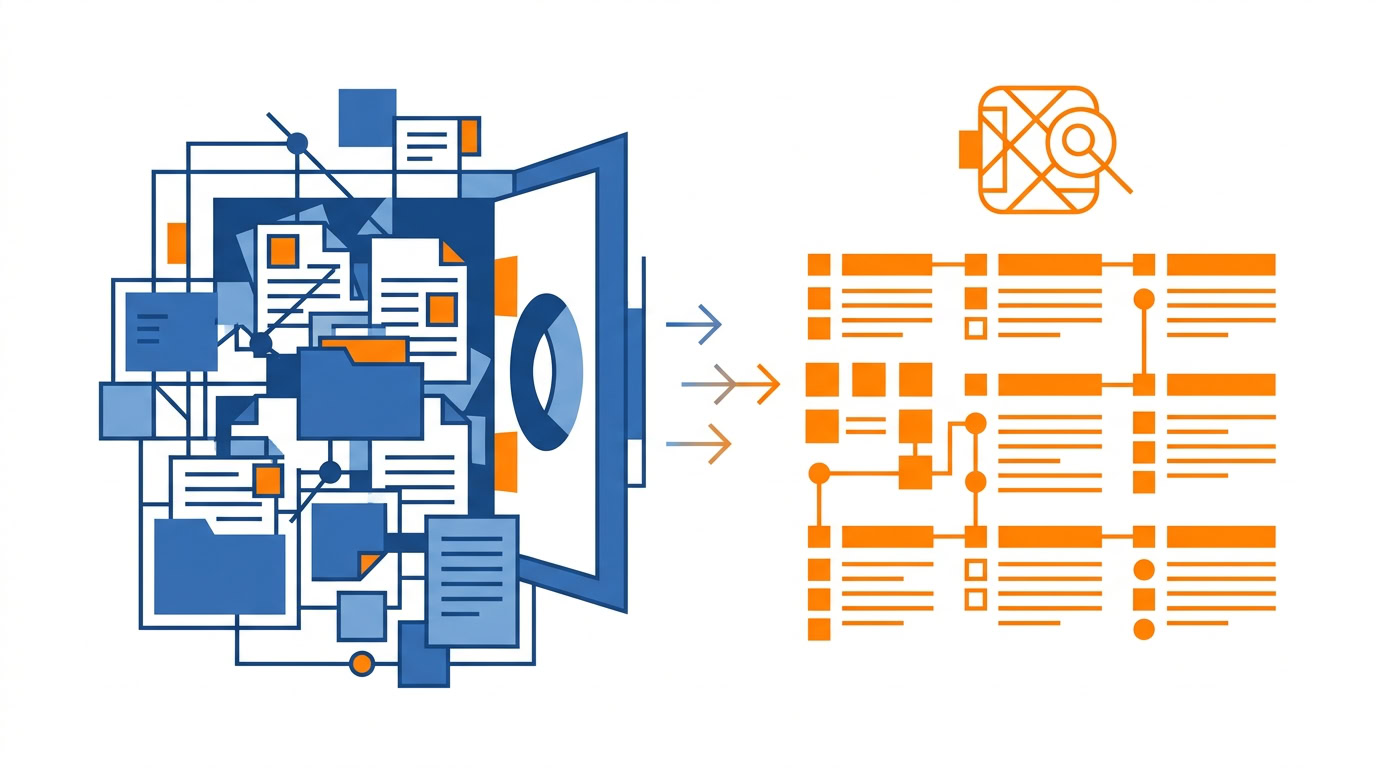
The index is the front door. In the notes migration, the assistant created a table of contents with note locations and metadata, alongside the individual text files. The assistant can consult the index, then open the relevant notes.
Ask for an index on one reference folder. Test it from a fresh conversation, on a question you can already answer. Keep the index current as the library changes.
Preserve the originals. Check the attachments. Export one small notebook and see whether the indexed text can answer three real questions before you migrate the rest.
Keep the app if it works
Do you actually use the whole note-taking app?
I’ve been moving toward text-based notes, because agents can store them, organize them, and retrieve them. If the app works well for you, keeping it may be the calmer, more productive choice. I still valued Evernote’s web clipper. Not everyone wants to build a system.
List what you use. Capture, sync, attachments, backups, maintenance. Test a portable text archive against that list before you cancel anything.
Let your sent mail become the style guide
Export a small, representative set of your own sent emails. Strip confidential information and anything that belongs to someone else. Ask the assistant to study how you write, then save a voice profile another assistant can use when drafting replies. Bring that profile the next time a draft needs to sound like you. “Friendly and professional” is too vague to do that job.
I suggested this use. I did not run it live. Read the draft before you send it. A voice profile does not replace judgment, and it does not check facts.
Put a working cleanup on a clock
After I showed the screenshot rules, I created a scheduled task to organize incoming screenshots every day at 5 p.m., using that same structure. The schedule showed up in Claude Cowork. The masterclass never showed a later run. At the time, the app needed to stay open. Confirm the current execution requirements before you depend on it.
Get the pattern right. Inspect what came back. Then automate the upkeep.
Duplicate one month of nonsensitive screenshots. Hand a file-capable assistant that folder and one task: inspect each image, and rename the file with the date plus three to five keywords. Read the new names against the images before you give it anything else.
Recommended for you
Want the full system? 25X is the flagship productivity system we teach.
Explore 25X →