
Last updated: 2026-07-06
If you need AI to talk to customers on your website or in your support inbox, that’s Intercom Fin (serious volume) or Tidio (small business starting out). If you need AI to help your own team work faster — writing, research, analysis — that’s Claude for Work or ChatGPT Enterprise. These are two completely different products solving two different problems, and most of the confusion in this space comes from not knowing which one you actually need.
Quick Verdict
- Intercom Fin wins for automated customer support at real volume; Tidio wins for small businesses just starting out.
- Claude for Work wins for internal team AI; ChatGPT Enterprise is for 150+ seat organizations only.
- Figure out which problem you’re solving — customer-facing or internal — before you shop.
What You Need to Know
| Option | Best For | Why It Stands Out |
|---|---|---|
| Two Very Different Products | Businesses deciding whether they need a customer-facing bot or an internal AI assistant | A law firm asking “should we get an AI chatbot?” needs to know which problem they’re actually solving before they shop |
| Intercom Fin: Best for Automated Customer Support | Any business with meaningful customer support volume — SaaS companies, ecommerce, subscription services, fintech. If you have a support team and you want to cut their ticket load in half, Fin is the right tool | Resolves 67-93% of support tickets automatically, and you only pay per resolution |
| Tidio: Best for Small Businesses Starting Out | Small businesses getting started with customer chat. Ecommerce stores on Shopify. Service businesses that want live chat plus basic AI without enterprise pricing | The most complete live-chat-plus-AI package for small businesses, if you budget for the add-ons |
| Claude for Work (Teams Plan): Best for Internal Team AI | Teams doing content, proposals, research, strategy, client communication. Agencies, consulting firms, professional services. Any knowledge-work-heavy team that wants an AI that actually understands context | Best writing quality of any AI tool, plus Projects for persistent team context |
| ChatGPT Enterprise: Best for Large Organizations | Large enterprises with compliance requirements, existing procurement processes, and 150+ knowledge workers. If you’re under 100 seats, the Team plan or Claude Teams is the better call | ChatGPT Enterprise is in a different category entirely. The minimum deployment is roughly 150 seats, and pricing starts around $60/user/month, negotiated directly with OpenAI’s sales team |
How I Evaluated This
I judged each tool by which of the two problems it actually solves — customer-facing support or internal team productivity — rather than treating them as competitors. Every price below was re-verified in July 2026, and both Lindy’s pricing and Drift’s status changed since this piece first published.
Two Very Different Products
Before anything else, get this distinction clear:
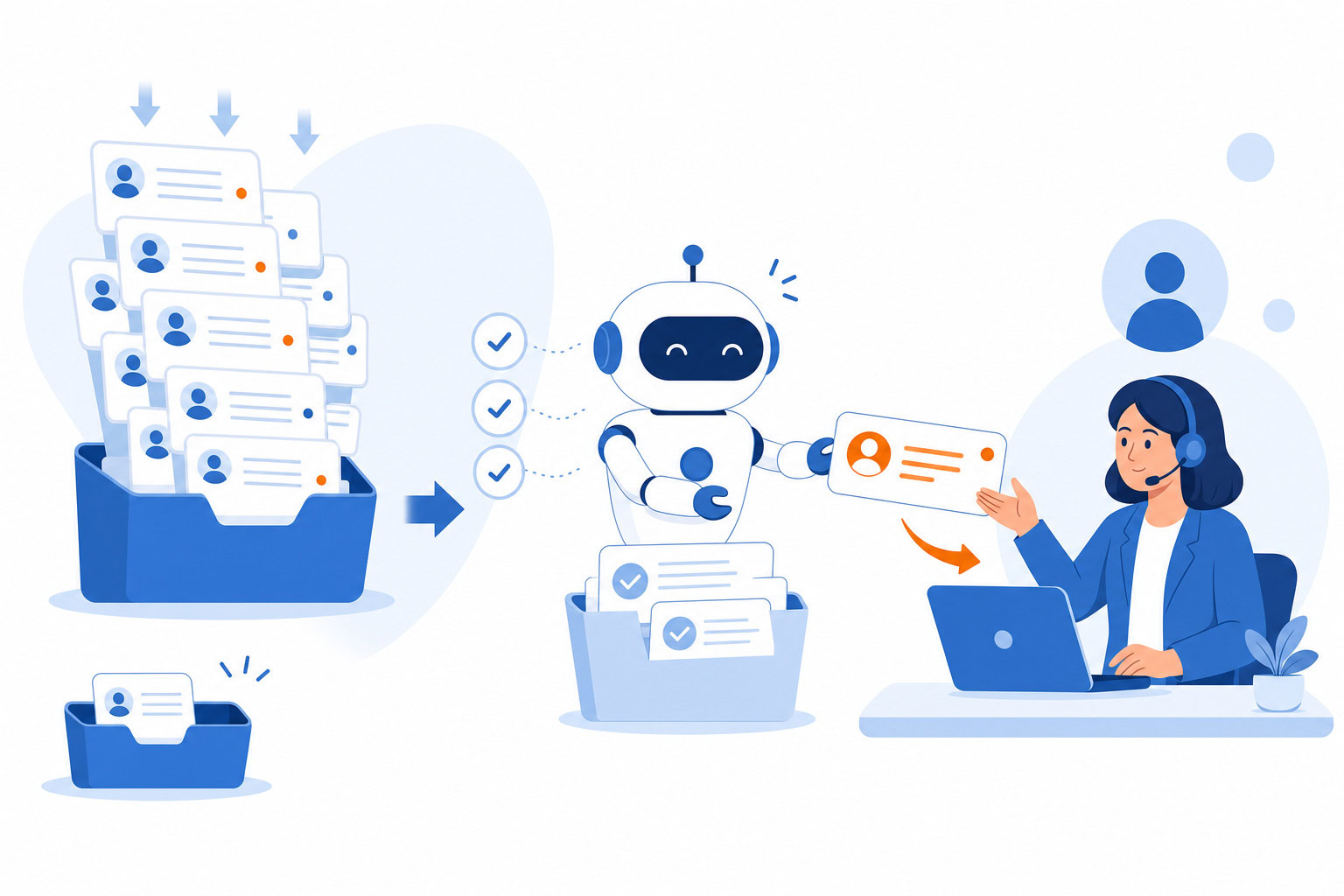
Customer-facing chatbots (Intercom Fin, Tidio) live on your website or in your support inbox. They talk to your customers, answer common questions, and handle tickets. The ROI is measured in tickets deflected, response times, and support headcount.
Internal AI assistants (Claude for Work, ChatGPT Enterprise) help your employees work faster. They write, research, analyze, and answer questions using your company’s documents and context. The ROI is hours saved per knowledge worker per week.
A law firm asking “should we get an AI chatbot?” needs to know which problem they’re actually solving before they shop.
Intercom Fin: Best for Automated Customer Support
If you’re handling 50+ customer support tickets per day and you want AI to resolve most of them automatically, Intercom Fin is the best tool in this category. Not close.
Fin is the AI agent layer built on top of Intercom’s helpdesk. It resolves an average of 67% of customer queries without human involvement. Some teams report up to 93%. That’s not a feature — that’s a business model change.
The pricing structure is unusual. Fin charges $0.99 per resolved conversation. No resolution, no charge. That aligns the incentive well: you only pay when it actually works. At 1,000 resolutions per month, you’re at $990 on top of your Intercom seat (which starts at $29/month). Bills scale with volume, which means they can get large fast if you have high traffic.
One counterintuitive thing I’ve seen come up: as Fin gets better at resolving tickets, the bill goes up proportionally. You’re effectively penalized for having a chatbot that works too well. Worth running the math before committing.
One more thing worth knowing: Salesforce signed an agreement in June 2026 to acquire Intercom Fin for roughly $3.6 billion. The deal hadn’t closed as of this writing, so treat the product’s ownership as in transition if you’re making a long-term commitment.
What I like:
- Resolution rates are genuinely best-in-class. The benchmarks aren’t marketing fluff.
- Per-outcome pricing means you’re not paying for chatbot sessions that go nowhere.
- Integrates with Zendesk, Salesforce, HubSpot, Shopify… pretty much anything.
- No additional charge when a single conversation includes multiple questions.
What I don’t like:
- The total cost of Intercom — platform fee plus resolution fees plus seat costs — surprises a lot of buyers. Budget for 2x the headline price until you know your actual resolution volume.
- Overkill for businesses getting fewer than 20 tickets a day. The platform cost doesn’t justify itself at low volume.
- Setup requires real time investment. Fin needs to be trained on your knowledge base, and that doesn’t happen automatically.
Pricing: $0.99/resolved conversation. Minimum $49.50/month if running standalone with external platforms (Zendesk, Salesforce, etc.). Requires at least one Intercom seat starting at $29/month.
Best for: Any business with meaningful customer support volume — SaaS companies, ecommerce, subscription services, fintech. If you have a support team and you want to cut their ticket load in half, Fin is the right tool.
Tidio: Best for Small Businesses Starting Out
Tidio is what I’d point a small business owner to when they’re ready to stop answering the same five customer questions manually but aren’t ready to pay Intercom prices.
The platform combines live chat, AI chatbot (Lyro AI), and basic automation in one place. You can start with a free tier, which is genuinely useful for low-volume businesses. The setup is simple enough that a non-technical owner can get it running in an afternoon.
Lyro AI, Tidio’s AI agent layer, handles common questions, qualifies leads, and routes conversations to humans when needed. It’s not as powerful as Intercom Fin’s resolution rates, but for a small retail store or service business getting 200-300 website chats per month, it does the job.
The pricing gets complicated quickly though. The Starter plan at $29/month covers 100 conversations. Lyro AI is a separate add-on starting at $39/month. The automation feature (Flows) is another $29/month. Before you know it, you’re at $97/month for a setup that looked like $29 on the pricing page.
Still — compared to the alternatives at this end of the market, Tidio is the most complete package for the price.
What I like:
- Free tier exists and is usable (not just a 7-day trial).
- Live chat and AI in the same platform. One login, one bill.
- Conversation-based billing (not per-seat) means adding team members doesn’t cost extra.
- Good Shopify integration for ecommerce businesses.
What I don’t like:
- The pricing model is confusing. The “starter” price is not the real price once you add Lyro and Flows.
- Conversation limits bite unexpectedly during busy periods (a product launch, a holiday sale).
- AI resolution rates are lower than Intercom’s. Lyro does well on common questions but struggles with anything nuanced.
Pricing: Free tier (limited). Starter $29/month. Growth $59-$349/month. Lyro AI add-on $39+/month. Flows add-on $29+/month.
Best for: Small businesses getting started with customer chat. Ecommerce stores on Shopify. Service businesses that want live chat plus basic AI without enterprise pricing.
Claude for Work (Teams Plan): Best for Internal Team AI
One of my portfolio companies had a customer support problem. Good people, but the volume was crushing them. When I helped them set up their first AI support layer, the thing I kept noticing was how much time the team was losing to tasks that didn’t require a human at all — password resets, basic troubleshooting, standard account questions. Response times had stretched from minutes to hours.
After fixing the customer-facing layer, the next move was getting the internal team working with AI. That’s where Claude for Work comes in.
Claude Teams is not a customer support chatbot. It doesn’t sit on your website and talk to visitors. It helps your employees do their actual jobs — writing proposals, researching competitors, summarizing contracts, drafting client communications, analyzing data. It’s a collaborative layer for knowledge workers.
I run Claude at the Max tier ($100-200/month) because I’m a heavy user. For most small-to-medium businesses, the Teams plan at $25/user/month is the right starting point.
The thing that makes it worth paying for versus just using the free version: the Projects feature. You can create a persistent context — your company’s tone of voice, your client history, your SOP documents — and Claude remembers it across sessions. Instead of re-explaining who you are every time, it already knows. That compounds fast across a 5-person team.
What I like:
- Best writing quality of any AI tool. Not a debate.
- Team data is not used for model training. For businesses handling client data, that matters a lot.
- Projects give persistent memory across sessions. The context compounds over time.
- Microsoft 365 and Slack integrations included.
- Admin controls for IT: SSO, domain capture, centralized billing.
What I don’t like:
- No customer-facing capability. It’s purely internal.
- 5-seat minimum. A two-person business would need to buy seats they don’t use.
- No web search on the standard plan (unlike ChatGPT).
- Requires team adoption and prompt literacy to get full value. It won’t run workflows automatically.
Pricing: Standard seat $25/person/month (annual) or $30/month billed monthly. Premium seat (adds Claude Code) around $150/user/month (unverified at publish time — confirm the current rate directly with Anthropic sales). Minimum 5 seats.
Best for: Teams doing content, proposals, research, strategy, client communication. Agencies, consulting firms, professional services. Any knowledge-work-heavy team that wants an AI that actually understands context.
ChatGPT Enterprise: Best for Large Organizations
ChatGPT Enterprise is in a different category entirely. The minimum deployment is roughly 150 seats, and pricing starts around $60/user/month — negotiated directly with OpenAI’s sales team, not a published rate. The floor cost is somewhere around $108,000 per year before any customization, but treat that as approximate and quote-dependent rather than a fixed number.
That’s not a small business tool.
What you get for that price: access to GPT-5.4 (OpenAI’s latest model as of March 2026), unlimited usage, SOC 2 compliance, data not used for training, an admin console with policy controls, and the ability to build Custom GPTs — specialized AI assistants tuned for specific functions. A law firm could build a contract review bot. A marketing agency could build a brand voice assistant that every writer uses. An HR team could build an onboarding FAQ bot.
The custom GPTs feature is where Enterprise earns its price. It’s the closest thing to “build your own specialized AI” without writing code.
If you’re a smaller business interested in a similar internal AI setup, ChatGPT Team ($30/user/month, 2-seat minimum) is the accessible entry point. You get most of the same privacy protections and model access at a fraction of the cost.
What I like:
- Most powerful model access of any platform. GPT-5.4 with no usage limits.
- Custom GPTs let large organizations build specialized tools for specific teams and use cases.
- Enterprise-grade compliance: SOC 2, data privacy, admin controls.
What I don’t like:
- Price floor of ~$108K/year is a dealbreaker for most readers of this article.
- Sales-only purchasing process. You can’t just sign up.
- If you’re a team of 10, look at ChatGPT Team or Claude for Work instead.
Pricing: Custom/negotiated. Approximately $60/user/month. 150-seat minimum typical. Annual commitment required.
Best for: Large enterprises with compliance requirements, existing procurement processes, and 150+ knowledge workers. If you’re under 100 seats, the Team plan or Claude Teams is the better call.
A Quick Note on Drift
Drift used to be the standard recommendation for B2B sales chatbots. Salesloft acquired it in February 2024, and pricing jumped to $2,500/month as the platform got folded into a broader sales engagement suite.
That’s now moot: Drift was announced sunset on March 6, 2026. Clari and Salesloft named 1mind as the exclusive successor product, and existing Drift customers are being migrated over. Don’t sign up for Drift — it’s being wound down.
If you’re in B2B sales and want a chatbot to qualify leads on your website, Intercom handles that alongside support, or look at 1mind directly as Drift’s designated replacement.
What About Lindy?
For businesses that don’t fit neatly into any of the above — specific workflows, unusual integrations, industry-specific needs — Lindy is worth knowing about.
Lindy is a no-code AI agent builder. You describe in plain English what you want the agent to do, and it does it. I’ve deployed Lindy for a portfolio company’s first-layer customer support (password resets, basic troubleshooting, standard questions). Response times dropped from hours to minutes. The team shifted to handling only the cases that needed human judgment.
It’s not a plug-and-play support platform like Intercom or Tidio. But for businesses that want something custom — and are willing to invest time in the setup — it’s the most flexible option on this list.
Pricing: No free tier — 7-day trial only. Plus $49.99/month, Pro $99.99/month (3x usage), Max $199.99/month (7x usage), Enterprise custom.
When to Use Which: The Decision Tree
Getting 50+ customer support tickets per day? Intercom Fin. The resolution rates justify the cost. Do the math: at $0.99/resolution vs. a human agent costing $15-25/ticket, the ROI is clear once you hit volume.
Running a small ecommerce or service business under 5,000 conversations/month? Start with Tidio’s free tier. If you grow past it, move to their paid plan before evaluating Intercom.
Team of 5-50 knowledge workers doing content, proposals, research, or client work? Claude for Work at $25/user/month. Best writing quality, best privacy terms, best context retention.
Enterprise with 150+ employees and compliance requirements? ChatGPT Enterprise. Talk to their sales team.
Have a specific workflow you want to automate but don’t fit any of the above? Lindy. Start with the 7-day trial, build one workflow, and see if it sticks.
The ROI Math on Customer Support Chatbots
People throw around chatbot ROI numbers without doing the actual math. Here’s a simple version.
A typical customer support ticket costs $15-25 to resolve when you factor in an agent’s salary, overhead, and time. If you’re handling 500 tickets per month, that’s $7,500-$12,500 in support costs.
If Intercom Fin resolves 67% of those tickets automatically: 335 resolutions at $0.99 each = $332. Plus your $29/month platform seat. Call it $370/month total.
Versus $7,500-$12,500 in human time for the same volume.
That math works. But it only works at volume. At 50 tickets per month, the math is much tighter. That’s why Tidio’s free tier exists — it’s for businesses that aren’t there yet.
FAQ
Can I use ChatGPT or Claude as a customer support chatbot?
Not directly. ChatGPT and Claude are AI assistants that respond when a human initiates a conversation. They won’t automatically respond to incoming customer messages in your support inbox. For that, you need a dedicated platform like Intercom or Tidio, which plug into your inbox and respond automatically.
You can, however, build a customer support agent using Lindy that uses Claude or GPT under the hood. It takes setup, but it’s doable.
Is there a free option worth using?
Tidio’s free tier is genuinely usable for low-volume businesses. Claude has a free tier for personal use, but the Teams plan (with privacy protections and Projects) requires payment. ChatGPT’s free tier doesn’t include the enterprise privacy controls that matter for business use.
What if I’m in a regulated industry (healthcare, finance, legal)?
For customer-facing chat: Intercom has enterprise-grade compliance options. For internal AI: Claude for Work and ChatGPT Enterprise both offer data privacy guarantees (your inputs aren’t used for training). Lindy is SOC 2 and HIPAA compliant. Whatever you pick, read the data processing agreement before deploying anything customer-facing.
Do I need a developer to set any of these up?
Tidio: no. Most business owners can configure it in an afternoon.
Intercom Fin: you’ll want someone to build out the knowledge base properly. The platform isn’t hard, but the quality of Fin’s responses depends on what you feed it.
Claude for Work / ChatGPT: no. Sign up, add seats, start using it.
Lindy: for anything beyond simple workflows, yes — or attend a workshop.
Want help figuring out which tool is right for your business? I run workshops on AI tools and automation setup. Details here.
Next Step
Recommended for you
Want the full system? 25X is the flagship productivity system we teach.
Explore 25X →