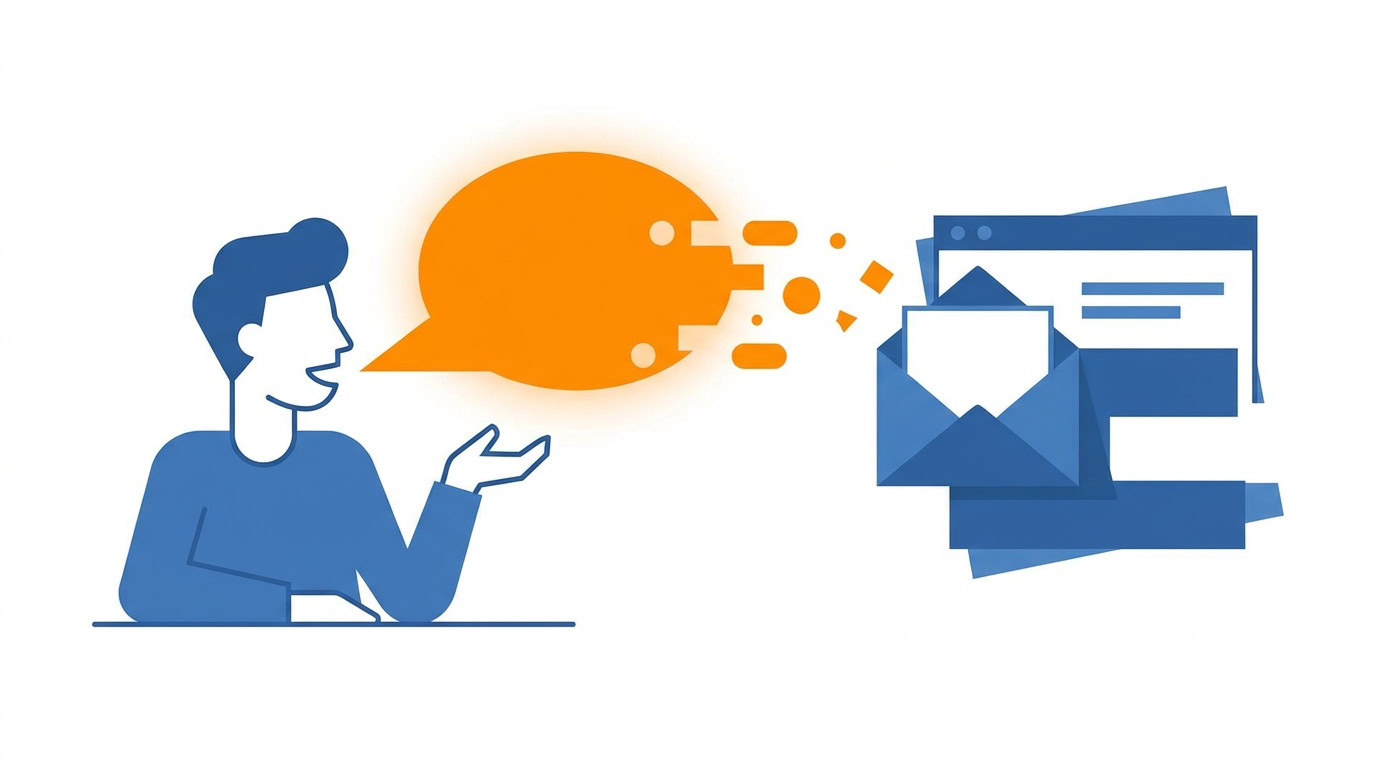
I read the email. I place the cursor in the reply field. I hold the voice shortcut and speak the response naturally. Wispr Flow takes out the ums, ignores the false starts, and formats the message. What comes back is often about 90% ready. I do a quick final review and send.
I used to type those replies, or bounce over to ChatGPT to draft them. Before that, voice for me meant a reminder or a smart-home command. Old voice tools required exact commands and often produced messy transcripts.
AI changed the bottleneck. Newer tools can interpret natural speech, remove filler, format the output, and turn rambling into something usable. Professionals type around 40 words a minute and speak closer to 100 to 130. I moved from one-off commands to dictated emails, then to voice-mode weekly reviews, and now to experimental voice agents. You can check yourself against that same ladder and stop at the rung that helps.
When your hands should stay off the device
Brooks uses in-car voice features to have messages read aloud and to send quick responses safely while driving. The phone stays put. When a message is labeled as sent through voice assistance, the recipient gets helpful context for why the wording may be less polished than usual.
Where are your hands already occupied? Pick one hands-free context where voice could reduce friction without compromising safety. If that context is driving, use the in-car feature and leave the phone alone. Have one message read aloud, or send one short reply.
The ladder I climbed
1. Reminders and smart-home commands
This is where I started. Reminders and smart-home commands. You find out whether talking to a tool feels workable. What would you trust voice with today? If the answer is a reminder, you’re here.
2. Dictated emails and AI prompts
I dictate most of my emails with Wispr Flow, with the workflow above. Read, cursor in the reply field, hold the shortcut, speak naturally. The AI layer removes the ums, ignores false starts, and formats the message. Often about 90% ready. Quick review, then send.
Replace one daily email batch with dictated replies. Review each one before it goes out.
The same drop in friction helps prompts. Effective prompting depends on context, and voice makes a longer prompt easier to give. I explain the background, the constraints, the questions, and the desired output in one natural flow. For a research task, that might mean verbally listing competitor history, fundraising, launch strategy, customer demographics, and founder background before the AI begins.
Dictate your next prompt with that kind of context. Run the short typed prompt next to it. Compare the answers.
3. Voice conversations with ChatGPT
I’ve started doing my weekly review as a voice conversation with ChatGPT. I open voice mode, ask it to act as my productivity coach, and tell it to ask one question at a time. I keep my calendar visible and talk through the week day by day. At the end I ask for a written summary and paste it into my notes app.
Over time, the AI learns recurring patterns, missed commitments, and blind spots from previous reviews. I still review the summary. I still own the reflection. Try your next weekly review this way. One question at a time. Calendar open. Summary into your notes.
4. Agents that work while you’re away from the keyboard
I prototyped a voice-based email agent in Lindy. Call a personal AI number, have it read recent emails aloud, then verbally archive messages or dictate replies while mobile. It’s still early and credit-intensive. Ask me how I know. I treat it as an experiment. This is the rung to watch.
Which rung are you on?
Match the tool to the job
Here’s the stack I use.
Wispr Flow is for cleaner dictation and email replies. It improves on default dictation by cleaning and formatting what you said.
AudioPen turns spoken thoughts into organized notes. Talk the idea. Get structure back.
Otter is for meeting transcripts and in-person conversations. If it happened live, Otter is how I keep the transcript.
ChatGPT voice mode is for interactive thinking, coaching, and Q&A. The weekly review lives here.
Four jobs. Pick the one in front of you this week.
Dictate the messy version
Brooks pointed out that speaking can unlock a different part of the brain than typing. Stuck on a blank email, presentation, or document? Dictating a messy first version can bypass the perfectionism that comes with watching words appear on a screen.
AI then acts as the cleanup layer and turns the spoken draft into something structured. Brooks tied this to long-standing advice for writer’s block. Built-in dictation and an AI cleanup pass make that advice easier to use.
Next time you’re stuck, dictate the first version. Then edit the cleaned-up draft.
A protocol for voice notes
Voice notes can shift work from the sender to the recipient. I generally prefer receiving written notes. Brooks does too. They can work well when the expectations are clear.
Transcription helps. Team norms matter more.
Keep voice notes short and to the point. Include context up front. Make explicit requests in text when possible. Clarify whether a response is expected. If you use voice notes with a team, write those expectations down and follow them on the next note you send, including yours.
One batch
Pick one daily email batch and dictate the replies. Just that batch. Read the email. Cursor in the reply field. Hold the voice shortcut. Speak naturally. Review. Send.
Recommended for you
Want the full system? 25X is the flagship productivity system we teach.
Explore 25X →