
Plaud isn’t just a recorder — it’s hardware, an app, and an AI transcription layer bundled together, built for capturing conversations away from your laptop: client meetings, coffee chats, phone calls. The Note Pro ($189) plus the Pro subscription ($99.99/year) is the sensible default. Skip it entirely if your meetings are 90% Zoom, where Granola or Otter does the job better.
Quick Verdict
- Plaud is for in-person, on-the-go, and phone-call capture — not a replacement for Zoom-native tools like Granola or Otter.
- Best default: Plaud Note Pro ($189) plus the Pro subscription ($99.99/year, ~20 hours/month).
- If your meetings are 90% video calls, buy Granola or Otter instead — Plaud solves a problem software can’t.
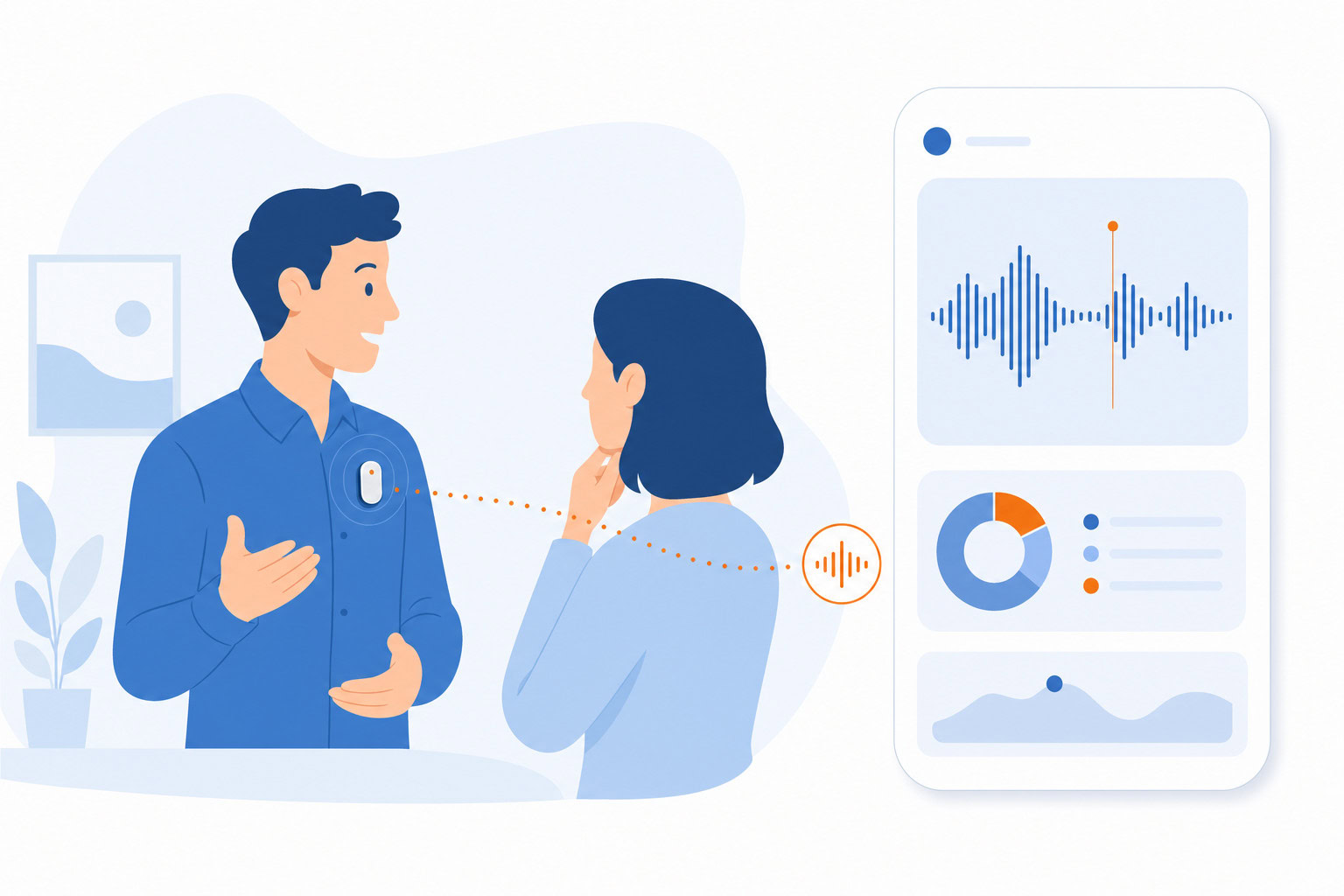
The Plaud Lineup at a Glance
| Device | Price | Best For |
|---|---|---|
| Plaud Note | $159 | Original, clip-on or table capture |
| Plaud NotePin | $159 | All-day wearable, lapel or lanyard |
| Plaud NotePin S | $179 | Slight upgrade over NotePin |
| Plaud Note Pro | $189 | Display, longer battery, best mic array |
How I Evaluated This
I evaluated Plaud on what it captures that software-only tools can’t — in-person and phone conversations — and on whether the subscription math actually holds up over a year. Every price below was re-verified in July 2026.
It’s Actually Three Things
People think Plaud is just a recorder. It’s not. It’s three things bundled together:
1. Hardware — the physical device that captures audio. Records locally, no cloud connection needed during recording.
2. App — syncs recordings to your phone via Bluetooth or WiFi. Manages your files, lets you play back and label recordings.
3. Plaud Intelligence — the AI layer. This is where transcription and summaries happen. Powered by GPT-4 class models. Supports 112 languages with speaker labels.
The subscription you pay for unlocks Plaud Intelligence. Without it, you just have a recorder that stores audio files. Which is fine, but at $159 you’re probably not buying it just for that.
The Product Lineup
There are now four devices. Here’s how they actually differ:
Plaud Note ($159)
The original. Credit-card size, 0.1 inches thin, just over an ounce. It has a magnet on the back designed to attach to an iPhone. You can also set it on a table in a meeting.
Battery life: 30 hours of recording. Storage: 64 GB local.
No display. You don’t see what’s recording — you just clip it and trust it.
This was the only option for a while. It’s still solid.
Plaud NotePin ($159)
This is the one I find more interesting for daily use.
Same price as the Note, but a different form factor: it’s a tiny capsule you can wear as a lapel pin, attach to a lanyard, clip to a pocket, or even put on a wristband. It’s 0.59 oz and has 20 hours of continuous recording.
The NotePin is built for all-day ambient capture. You put it on in the morning, hit record, and it captures conversations throughout the day — meetings, sidebar chats, phone calls, things your Zoom recorder would miss entirely.
My team tested this for a client who needed to capture every conversation he had, not just scheduled meetings. We paired it with a local Claude Bot running on a Mac Mini. The NotePin would sync recordings automatically, the bot would transcribe them locally (no cloud API costs), and then flag names and context into his Airtable contact database. His whole day, indexed and searchable.
That’s a pretty specific use case. But it shows what’s possible when you treat Plaud as a capture device, not just a meeting recorder.
Plaud NotePin S ($179)
A slight upgrade over the NotePin. Incremental improvements in design and recording quality. Worth considering if you’re buying new and the $20 difference matters less than having the latest version.
Plaud Note Pro ($189)
The newest and most capable device. Key upgrades over the original Note:
- InstantView AMOLED display (finally, you can see what’s happening)
- 4 MEMS + 1 VPU microphones, captures voices up to 16.4 feet
- 50 hours battery life (vs 30 on the original)
- Smart dual-mode switching (automatic vs manual on the Note)
- Multimodal input: you can add typed notes and images alongside audio
If you’re buying today and want the best hardware, get the Note Pro.
How Recording Actually Works
There are two modes:
Ambient recording: Device sits on a table or you wear it. It picks up room audio. Good for conference rooms, coffee shops, interviews. TechRadar and Tom’s Guide both tested this — transcription accuracy runs around 90-95% for native English speakers in decent acoustic conditions. In a loud restaurant or open office, it drops.
Phone call recording: The original Note has a physical port connector that intercepts calls on your iPhone. You plug it in, it captures both sides of the call. Works for important phone conversations with banks, clients, contractors.
One honest note on audio quality: this is ambient recording, not a directional lapel mic. When multiple people are talking at once, or the room has bad acoustics, the transcript will have gaps and errors. It’s good, not perfect.
The AI Features
Once recordings sync to the app, Plaud Intelligence does the heavy lifting:
- Transcription: Auto-transcribes in 112 languages. Names speakers. Lets you add custom vocabulary for industry terms.
- Summaries: This is where the 10,000+ templates come in. You can get action items, meeting notes, sales call summaries, interview summaries — different templates for different contexts.
- Ask Plaud: Chat with your transcript. Ask it to find something specific, pull out a quote, summarize a section.
- Exports: Copy to clipboard, export to Notion, email summaries. If you want deeper integrations, there’s a Zapier connection — but it’s not plug-and-play for most people.
The AI output is genuinely useful. Where it falls short: the ecosystem is somewhat self-contained. Getting your transcripts into other tools requires more manual steps than, say, a Granola workflow that pushes notes automatically.
The Subscription Math
Here’s where you have to be honest with yourself.
Free tier: 300 minutes per month. That’s 5 hours. One heavy meeting day uses that up.
Pro plan: $99.99/year (~$8.34/month). Gives you 1,200 minutes per month — about 20 hours. For most people, that’s enough.
Unlimited plan: $239.99/year (~$20/month). Makes sense if you’re recording 20+ hours per month.
First-year cost breakdown:
- Plaud Note + Pro plan = $159 + $100 = $259
- Plaud Note Pro + Pro plan = $189 + $100 = $289
After year one, you’re paying ~$100/year to keep the AI features running.
Compare that to Otter.ai Pro at $99.99/year (software only, no hardware). Or Granola at ~$192/year. Plaud costs more upfront because of the hardware, but if you need in-person capture, there’s no software-only alternative.
Plaud vs Otter.ai vs Granola
Plaud:
Best for in-person, on-the-go, and ambient recording. Hardware means it works when your laptop isn’t open. No Zoom integration. You’re capturing the physical world, not digital meetings.
Otter.ai:
Best for remote meetings. Joins Zoom, Google Meet, Teams as a bot. Real-time transcription. Lives entirely in software. Otter is what I recommended in TPS530 for people who spend their day on video calls. Doesn’t help much if your meetings are in a conference room.
Granola:
Best for Mac users in hybrid setups. Runs silently on your laptop, no bot that joins the call. Clean interface, great AI summaries. Doesn’t record audio permanently (so if the transcript is wrong, you can’t go back and listen). Only works when your MacBook is open.
The simplest way to think about it: if you can solve the problem with software, use software. Plaud is for the situations where you can’t.
Who Should Actually Buy This
Yes:
- You’re in 3+ in-person meetings per week where you can’t have a laptop open
- You’re a salesperson, consultant, or lawyer who has lots of client conversations in person
- You drive for work and want to capture calls or voice notes hands-free
- You’re a networker or connector who wants to remember every conversation you have
- You’re doing interviews, user research, or journalism
No:
- Your meeting life is 90% Zoom, Teams, or Google Meet — Granola or Otter handles this better
- You only occasionally record something — the free 300 minutes might cover you, but the hardware cost is hard to justify for light use
- You’re on Android and want the “stick to the back of your phone” use case — the NotePin is more universal, but some features are iOS-first
One thing worth mentioning: recording conversations has legal implications. In two-party-consent states, everyone on the call needs to know they’re being recorded. Plaud doesn’t handle this for you. That’s on you to manage.
The Bottom Line
Plaud isn’t for everyone. If your meetings are all on Zoom, buy Granola. If you want free software-based transcription, Otter’s free tier covers a lot.
But if you spend real time in rooms with real people — conferences, client sites, coffee chats, networking events, car calls — Plaud solves a problem that software can’t. And the Note Pro at $189 plus a Pro subscription for $100/year is a reasonable price for something you’ll use every day.
I’ve used it. My clients have used it. The ambient recording plus AI transcription genuinely works.
Get the Plaud Note Pro | Compare all Plaud devices
Related reading: Best AI Meeting Note Takers (2026) | Otter vs Granola: Best AI Meeting Tool?
Want to build a full meeting capture system? Check out the Asian Efficiency newsletter for workflows like the one above.
FAQ
Do I need the subscription to use Plaud?
Technically no. Without a subscription, Plaud records and stores audio. But you won’t get transcription or AI summaries. For most people, that’s the whole point. The free tier gives 300 minutes/month, which covers light use. Heavy users need the Pro plan.
Can I use Plaud with Android?
The NotePin and Note Pro work with Android via Bluetooth/WiFi sync. The original Note’s magnetic iPhone attachment won’t work with Android. If you’re on Android, go with the NotePin.
How does it compare to just using my iPhone’s voice memo?
Voice memo requires you to pull out your phone, tap buttons, and look like you’re recording. Plaud is a separate device you clip on or set down. It’s less disruptive. Plus Plaud adds the transcription + AI summary layer that voice memo doesn’t have.
Is it safe for confidential conversations?
Plaud processes audio through cloud-based AI (GPT-4). If you’re recording sensitive client conversations, read their privacy policy. They have ISO 27001, SOC II, and HIPAA certifications, so it’s designed for professional use. But you should make your own judgment for your situation.
Which version should I buy?
For most people: the Plaud Note Pro at $189. The display alone makes it significantly easier to use, and the longer battery and better microphones are worth the $30 over the original Note.
If you want the all-day wearable use case: NotePin or NotePin S.
Next Step
Recommended for you
Want the full system? 25X is the flagship productivity system we teach.
Explore 25X →