
I was at a workshop in Austin last year and noticed something strange about how people network. We were all standing around trying to make connections, but most of us were just swapping business cards and hoping for the best. One attendee mentioned he used to spend hours after events just trying to remember what he talked about with each person. That hit home because I’ve been there.
The real issue isn’t meeting people. It’s what happens after.
Most of us treat networking like a manual process. We meet someone, we exchange info, then we go home and try to remember the details while juggling a hundred other things. By the time we get around to sending that follow-up email, the moment has passed.
But in 2026, you don’t have to do this manually anymore.
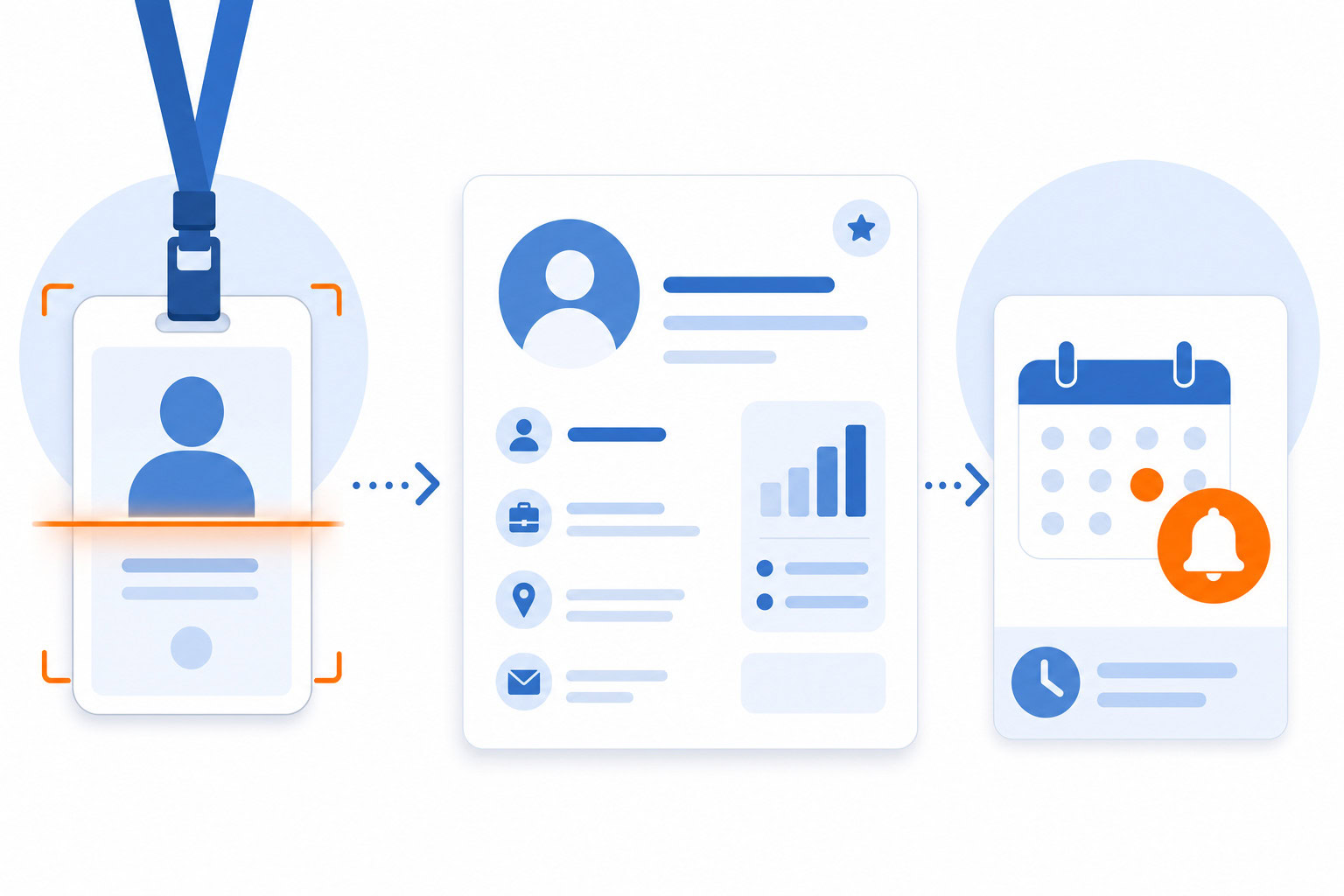
There are AI tools now that act like a digital chief of staff for your networking. They handle the matchmaking, the scheduling, and the follow-up so you can focus on the actual conversation. This is what I call moving from AI Fluency Level 2 to Level 3. It’s not about getting advice from AI. It’s about having an agent that executes the work for you.
I’ve tested several of these tools over the past year. Some are great for large conferences. Others are better for small meetups. Here’s the honest breakdown of what works, what doesn’t, and which one you should actually use.
Quick Verdict
If you’re attending a large conference or a hybrid event with hundreds of attendees, Brella is the clear winner. I use it daily for my own event planning. The AI matchmaking is genuinely smart, and the mobile app makes it easy to connect with people on the fly.
For smaller events or if you need more control over the speed networking format, Grip is a solid alternative. I’ve tested it and found it easy to use, though the pricing is less transparent.
If you’re running a sales-heavy event and need to enrich attendee data before you even show up, Clay is worth looking at. I haven’t used it personally, but the data orchestration is powerful for outbound teams.
Who Should Pick Which Tool?
| If you need… | Pick this tool | Why |
|---|---|---|
| Large-scale event networking | Brella | Best AI matchmaking for 1,000+ attendees. Strong hybrid features. |
| Speed networking & hybrid events | Grip | Dedicated speed networking system. Good for organizers managing logistics. |
| Data enrichment before the event | Clay | Aggregates live data from multiple sources. Great for sales teams. |
| Simple event scheduling | Luma | Best for creating event pages and managing schedules, though less focused on deep networking. |
| Basic AI assistance within LinkedIn | LinkedIn AI | Good for drafting messages, but limited for full event workflows. |
How I Tested These Tools
I didn’t just read feature lists. I actually used these tools in real scenarios.
For Brella, I’ve used it daily while organizing my own events. I set up the matchmaking algorithms, watched how the app suggested connections, and tracked the follow-up automation. It’s the only tool where I felt the AI actually understood the context of the event.
For Grip, I tested it during a hybrid workshop. I looked at how the speed networking feature worked and how easy it was for attendees to join. It was smooth, but the pricing made me pause.
I looked closely at Clay and Luma as well. I built a few workflows to see how they handled data enrichment and event scheduling. Clay is powerful but complex. Luma is great for the basics but doesn’t go deep into the networking logic.
Tool Breakdown
Brella
What it does
Brella is an AI-powered event networking platform. It matches attendees based on their goals, interests, and roles. It also handles scheduling, live streaming for hybrid events, and sponsor engagement.
Pricing
Pricing isn’t public. It ranges from about $81/month for basic virtual plans to roughly £2,500 per event for larger setups. You need to contact them for a quote based on your event size.
What I like
The AI matchmaking is the standout feature. It doesn’t just match people by industry. It looks at what people want to achieve at the event. I’ve seen it connect two people who had nothing in common on paper but shared a specific goal.
The mobile app is also very intuitive. You can see your matches, schedule meetings, and even chat with them before you meet. It feels like having a personal assistant handling your schedule.
What I don’t like
The pricing is opaque. You can’t just sign up and pay. You have to talk to a sales rep. This can be a barrier for smaller organizers.
Some users also mention a learning curve if you want to customize the app heavily. It’s easy to use out of the box, but deep customization takes time.
Best for
Large conferences, hybrid events, and networking-focused gatherings where AI-driven matching is critical.
Grip
What it does
Grip is an event management platform with a focus on speed networking. It handles registration, engagement, and sponsorship management. It’s designed for both virtual and in-person events.
Pricing
Custom pricing. You need to request a quote directly from the vendor. There are no public plans.
What I like
The speed networking system is excellent. It makes it easy to facilitate rapid connections between attendees. I tested this at a workshop and found it easy for both organizers and participants to use.
It’s also good for sponsorship management. If you’re trying to monetize your event through sponsors, Grip gives you the tools to track ROI and engagement.
What I don’t like
Like Brella, the pricing isn’t transparent. This makes budgeting harder.
It also lacks some of the advanced livestreaming features that Brella has. If your event is heavily hybrid, you might need to pair it with other tools.
Best for
Event planners who need a dedicated solution for speed networking and hybrid event logistics.
Clay
What it does
Clay is a data orchestration platform. It aggregates live information from sources like Apollo, People Data Labs, and Crunchbase. It’s used to enrich attendee data and automate outreach workflows.
Pricing
Clay’s named plans are Launch at $185/month and Growth at $495/month, with credits split into “Data Credits” for enrichment and “Actions” for platform usage. Higher-volume usage can push the effective monthly cost well above the Growth tier — check clay.com for current rates before committing to a plan for a specific event size.
What I like
The data coverage is comprehensive. It pulls from multiple providers at once, so you get a fuller picture of your attendees before the event starts.
The automation is powerful. You can set up workflows to enrich data and trigger follow-ups without manual entry.
What I don’t like
I haven’t used this personally, but the credit system can be tricky. Costs can escalate quickly if you’re scaling to thousands of rows.
There are also potential hidden costs for failed lookups or external data subscriptions. You need to manage your credits carefully to avoid unexpected spend.
Best for
Outbound sales teams and marketers at scale who need comprehensive data enrichment.
Luma
What it does
Luma is an event scheduling and management tool. It helps you create event pages, manage schedules, and send invites. It’s more about the logistics of getting people together than deep networking.
Pricing
Plans start around $69/month billed monthly, or $59/month if you commit to annual billing.
What I like
It’s simple to set up. If you need to create an event page and get people signed up quickly, Luma is a good choice.
The interface is clean and user-friendly.
What I don’t like
It doesn’t have the deep AI networking features of Brella or Grip. It’s more of a scheduling tool than a networking engine.
Best for
Small events, meetups, or teams that need a simple way to manage event schedules.
LinkedIn AI Features
What it does
LinkedIn has integrated AI features for message generation, resume parsing, and advanced search. It also supports third-party automation tools.
Pricing
LinkedIn Premium Career runs roughly $30-40/month depending on billing term and region — LinkedIn doesn’t publish one fixed global rate, so check linkedin.com/premium for your specific number. That’s distinct from LinkedIn Premium Business, a separate tier at $69.99/month aimed at sales and hiring use cases rather than general networking. Third-party outreach tools vary widely: Snov.io alone spans roughly $39/month (Starter) up to $369/month (higher-volume Pro tiers), and Expandi’s pricing is separate and quote-based. Budget roughly $40-100/month for a typical entry-level third-party setup.
What I like
It’s built into a platform you already use. The AI message drafting is decent for personalizing outreach.
What I don’t like
It’s limited. You can’t easily match attendees or manage event logistics. It’s more of a communication aid than a full networking solution.
Best for
Individuals who want to automate their LinkedIn outreach but don’t need a full event platform.
Pricing Comparison
| Tool | Base Price | Notes |
|---|---|---|
| Brella | Custom | Ranges from $81/mo to £2,500/event. Quote required. |
| Grip | Custom | No public pricing. Quote required. |
| Clay | Launch $185/mo, Growth $495/mo | Split credit system (Data Credits + Actions); higher usage can exceed Growth. |
| Luma | $69/mo ($59/mo annual) | Yearly plans offer the lower rate. |
| LinkedIn AI | Premium Career ~$30-40/mo | Premium Business is $69.99/mo. Third-party tools (e.g. Snov.io) add roughly $39-369/mo. |
Side-by-Side Comparison
| Feature | Brella | Grip | Clay | Luma | LinkedIn AI |
|---|---|---|---|---|---|
| AI Matchmaking | Excellent | Good | N/A | Basic | Limited |
| Speed Networking | Good | Excellent | N/A | Basic | N/A |
| Data Enrichment | Basic | Basic | Excellent | None | Good |
| Hybrid Support | Excellent | Good | N/A | Good | Limited |
| Pricing Transparency | Low | Low | Medium | High | High |
| Best For | Large events | Speed networking | Sales/Outreach | Small events | Individual outreach |
My Recommendation
If you are running a large conference or a hybrid event, Brella is the tool to use. The AI matchmaking is genuinely smart and the platform handles the complexity of large groups well. I use it daily because it saves me hours of manual work.
If you need a dedicated speed networking system for smaller or mid-sized events, Grip is a strong choice. It’s easy to use and the logistics are handled well.
If you are a sales team looking to enrich attendee data before the event, Clay is worth the investment. Just keep an eye on your credit usage.
For simple event scheduling, Luma is the easiest to set up. And if you just need to automate your LinkedIn outreach, the native LinkedIn AI features are a good starting point.
FAQ
Which tool is best for small events?
For small events, Luma is the easiest to set up. If you need speed networking specifically, Grip is a good alternative.
Can I use these tools for virtual events?
Yes. Brella and Grip both support virtual and hybrid events. Luma is also great for virtual scheduling.
How much do these tools cost?
Most event networking tools like Brella and Grip require a custom quote. Clay starts at $185/month (Launch tier), with Growth at $495/month. Luma is $69/month, or $59/month billed annually. LinkedIn Premium Career runs roughly $30-40/month depending on billing term.
Do these tools integrate with my CRM?
Clay has strong CRM integrations. Brella and Grip offer some integrations, but you should check with sales for specific needs.
Ready to Build Your AI Networking Stack?
If you want to go deeper into how to build these workflows, check out my AI Workshop. I walk you through setting up your own digital chief of staff so you can focus on the conversations that matter.
Or, if you just want the tools, start with Brella for your next big event. It’s the only one I use daily and it’s made a real difference in how I connect with people.
Recommended for you
Want the full system? 25X is the flagship productivity system we teach.
Explore 25X →